Controlling the rest of your system 03
19
En
English
8 Repeat steps 5 to 7 to program a
sequence of commands.
9 When you’re finished, use
/
to select
‘
EDIT EXIT
’ from the menu and press
ENTER
.
You will return to the remote control Setup
menu. Select EXIT SETUP to exit.
Using multi operations
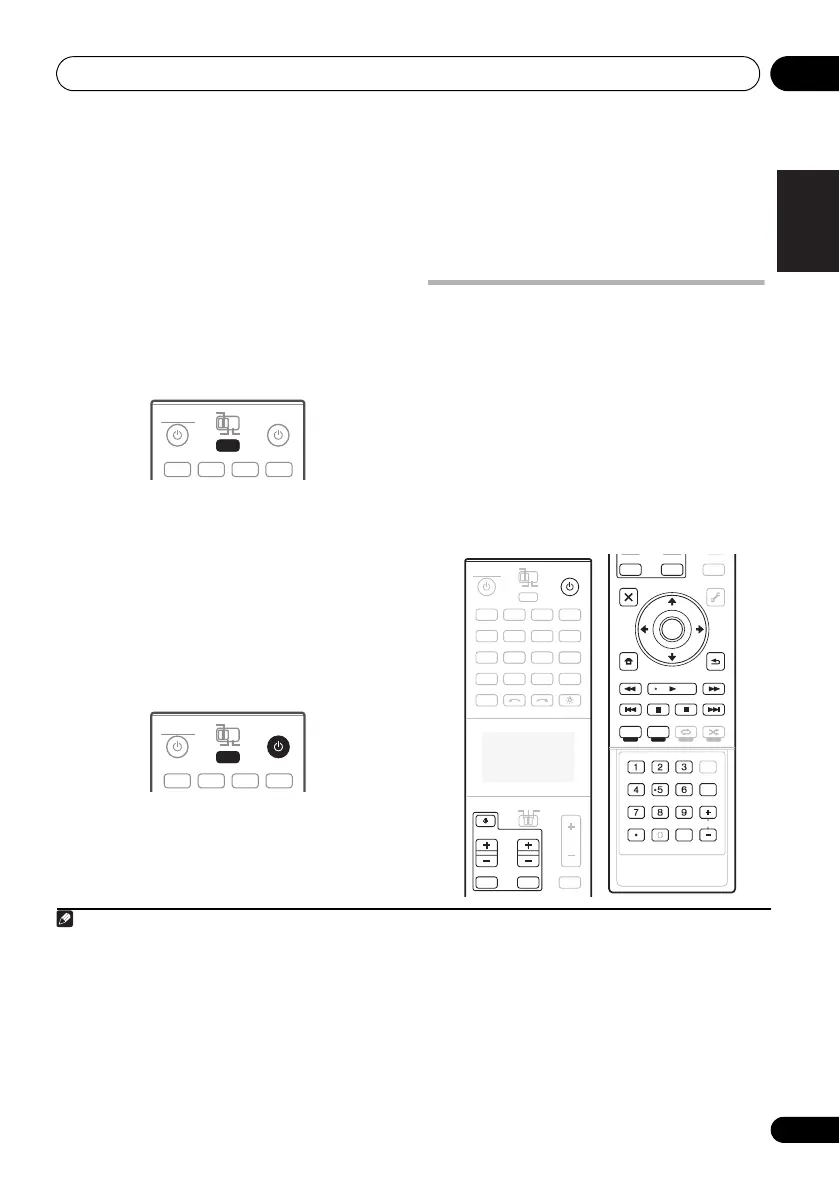
You can start multi operations with the receiver
switched on, or in standby.
1 Press
MULTI OPERATION
.
MULTI OPERATE flashes in the display.
2
Press
an input function button that has
been set up with a multi operation.
The receiver switches on (if it was in standby)
and the programmed multi operation is
performed automatically.
1
Using System off
1 Press
MULTI OPERATION
.
MULTI OPERATE flashes in the display.
2Press
SOURCE
.
The command sequence you programmed
will run, then all Pioneer components will
switch off
2
, followed by this receiver.
3
Controlling components
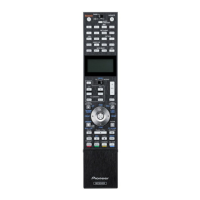
This remote control can control components
after entering the proper codes (see Selecting
preset codes directly on page 14). Set the
remote control operation selector switch to
SOURCE, then press the input function
buttons to select the component.
• TV CONTROL on the remote control are
dedicated to control the TV assigned to the
TV operation selector switch. If you have
two TVs, assign the main TV to the TV
operation selector switch.
Note
1 With this remote control, the IR and RF modes can be selected separately for the individual input functions. To
perform a multi operation on a device (input function) for which the IR mode is selected, point the remote control
toward the remote sensor on that device.
RECEIVER SOURCE
MAIN
MULTI
OPERATION
ZONE2 3
DVDBD HDMIDVR
BDR
MULTI
OPERATION
RECEIVER SOURCE
MAIN
MULTI
OPERATION
ZONE2 3
DVDBD HDMIDVR
BDR
MULTI
OPERATION
2 In order to avoid accidently switching off a DVD recorder that is currently recording, no DVD recorder power off codes
are sent.
3 • With this remote control, the IR and RF modes can be selected separately for the individual input functions. To turn off
the power of a device (input function) for which the IR mode is selected using the System Off function, point the remote
control toward the remote sensor on that device.
• When the power code of another brand is registered, the power on/off operation may be inverted. When using the
System Off function for a multi operation including the power codes of other brands, always check that the power of
all the components has turned off.
DVD
RECEIVER SOURCE
MAIN
MULTI
OPERATION
AUDIO
VIDEO
ZONE2
SOURCE
TV
RECEIVER
3
iPod
USB
OPTION
MULTI CH
ADAPTER
NET RADIO
INPUT SELECT LIGHT
CD
PHONO
AUX
INPUT MUTE MUTE
VOL
VOL
TV CONTROL
CH
VIDEO
CD-R
IN
TUNER
HMG
BD
TV
HDMIDVR
BDR
12
AUDIO
PARAMETER
TOP MENU
iPod CTRL PTY SEARCH
CATEGORY
LIST
TOOLS
HOME
MENU
STATUS
THX PQLSMPX MEMORY
PHASE CTRL CH LEVEL
T.EDIT
GUIDE
GUIDE
VIDEO
PARAMETER
INPUT MUTE
TUNE
TUNE
PRESET PRESET
MUTE
PGM MENU
TV CONTROL
STEREO
SIGNAL SEL SLEEP AUDIO
INFO
DIMMER
A.ATT
CLR
SBch MCACC
HDMI OUT
D.ACCESS
ENTER
CLASS
DISP
CH
AUTO/ALC/
DIRECT
STANDARD ADV SURR
ENTER
RETURN
BAND
CU-RF100.book Page 19 Wednesday, March 17, 2010 6:13 PM


 To Next Page