Using the RF communications function 02
5
En
English
Chapter 2:
Using the RF communications
function
CAUTION
• Before making or changing the connections, switch off the power and disconnect the power
cord from the power outlet. Plugging in should be the final step.
About the RF communications
function
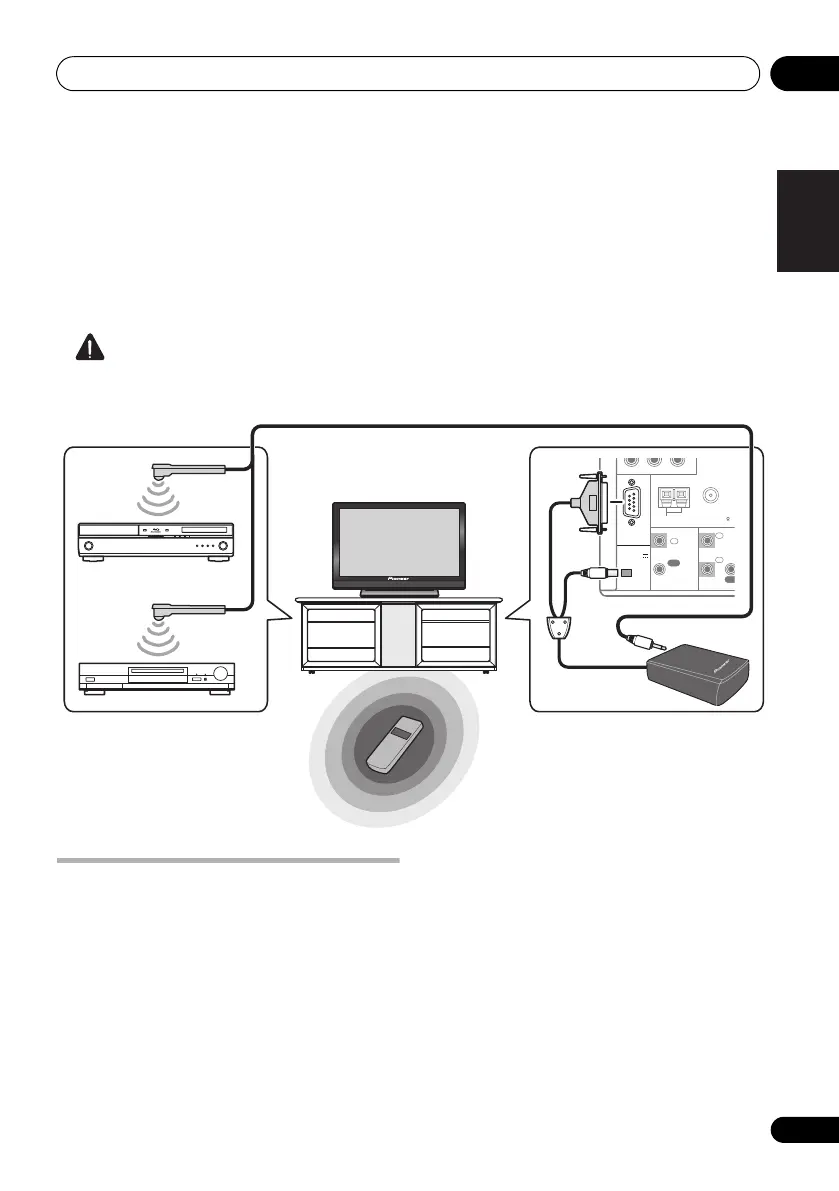
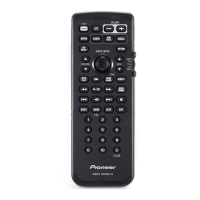
With this remote control, two-way
communications between the receiver and
remote control are possible by connecting the
included RF adapter to the RS-232C and CU-
RF100/EXTENSION terminals on the receiver.
For instructions on connecting the RF adapter,
see above. Two-way communications allow you
to use the following functions:
• The receiver can be operated by pointing
the remote control in any direction (360°)
(maximum line-of-sight distance for two-
way communications: about 10 meters).
• Operate is possible without being affected
by obstacles (even products in racks can
be operated).
• The information shown on the receiver’s
display can be displayed on the remote
control’s display as you operate.
CONTROL
IN
OUT
RS-232C
Y
ANTENNA
FM UNBAL 75 AM LOOP
PRPB
EXTENSION
I
IN
IN
OU
1
2
(
OUTPUT 5 V
150 mA MAX
)
Remote control operation
IR blaster (only required when you want to
operate other components by RF two-way
communications) (max. 4 components)
Operation is possible in any direction the
remote control is pointed (360°)
RF Adapter
Receiver
Operation of the receiver or other
components placed in a rack is possible
CU-RF100.book Page 5 Wednesday, March 17, 2010 6:13 PM


 To Next Page