EasyManua.ls Logo

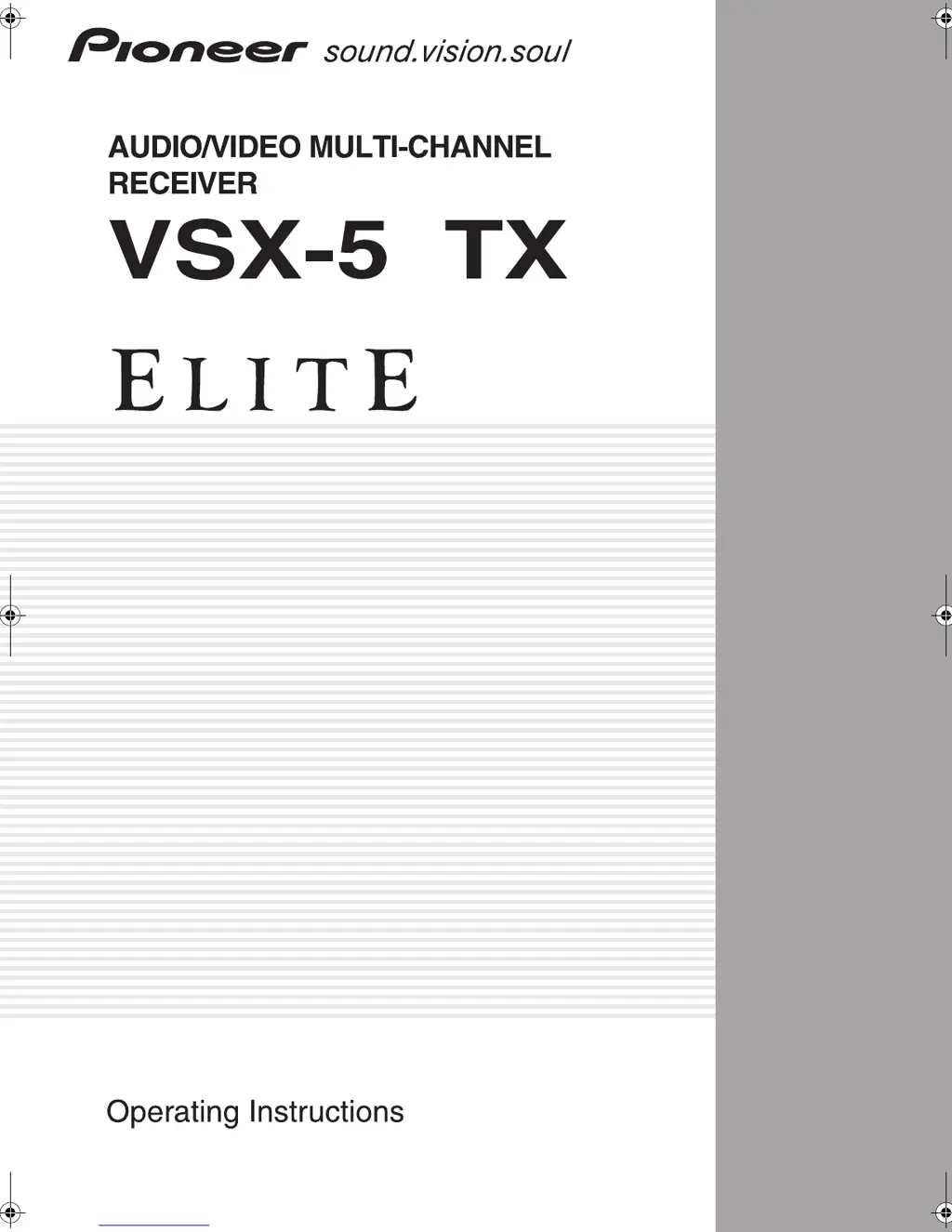
Pioneer Elite VSX-53TX - User Manual

Pioneer Elite VSX-53TX
107 pages
Print Icon
To Next Page IconTo Next Page
Loading...
1
3
00_VSX-53TX.book Page 1 Monday, April 7, 2003 11:07 PM

Table of Contents

Questions and Answers

  • C
    Carl MartinSep 12, 2025
    Why does a multi channel DVD source sound like it's downmixed to 2 channels on my Pioneer Stereo System?
    • M
      Mary McbrideSep 12, 2025
      Check the MULTI CH IN connection and select the type of playback with the MULTI CH IN button if the source is coming from something other than the MULTI CH IN jacks.
  • C
    Christopher SimmonsAug 25, 2025
    What to do if there is no sound output from my Pioneer Stereo System?
    • G
      Glenn DavisAug 25, 2025
      Check the following: * Ensure all components/speakers are correctly connected. * Make sure the sound isn't muted by pressing the MUTING button on the remote. * Adjust the MASTER VOLUME. * Verify the correct speakers are selected by pressing SPEAKERS (A/B). * Confirm the DIGITAL/ANALOG setting using the SIGNAL SELECT button. * Ensure MULTI CH IN mode is off.
  • T
    Todd ParsonsAug 25, 2025
    Why is there so much noise in radio broadcasts on my Pioneer Elite VSX-53TX?
    • L
      Laura FrancoAug 26, 2025
      The noise could be due to several reasons. Ensure you are tuned to the correct frequency. Check that the antenna is properly connected. Also, try routing digital cables away from the antenna terminals and wires, as they can cause interference.
  • T
    Tracie MosesSep 23, 2025
    Why doesn't the display show 96kHz during playback of a 96kHz source on my Pioneer Elite VSX-53TX?
    • B
      barnettrobertSep 23, 2025
      SET the SIGNAL SELECT to AUTO if SIGNAL SELECT is set to ANALOG.
  • K
    Kevin GrimesSep 12, 2025
    What does it mean when 'AMP ERR' blinks and the Pioneer Stereo System turns off?
    • A
      asmithSep 12, 2025
      The receiver probably has a serious problem. Don't try to turn on the receiver. Call a Pioneer-accredited repair center to look at the problem.
  • C
    copelandstephanieSep 18, 2025
    Why doesn't the digital format indicator light up even when playing a non-PCM digital source on my Pioneer Elite VSX-53TX?
    • E
      Eric GraySep 18, 2025
      Play the source if the player is paused or stopped. Fix the audio settings (check the manual that came with your DVD player) if there is a mistake in the player settings for audio output.
  • J
    James RussellSep 5, 2025
    Why are the LARGE and SMALL speaker settings incorrect after Auto Surround Sound Setup on my Pioneer Stereo System?
    • T
      tracywhitneySep 5, 2025
      Other frequencies in the room may be affecting the auto setup. Check for household appliances (air conditioner, fan, etc.) that may be affecting the environment and switch them off if necessary.
  • M
    Melanie KennedySep 6, 2025
    Why is there no sound output from one or more speakers on my Pioneer Stereo System?
    • W
      williewhiteheadSep 6, 2025
      Check if the speaker system setting is set to NO; if so, change it to YES. Ensure the speaker is properly connected. Increase the speaker output level.
  • B
    bhallSep 18, 2025
    Why do the PRO LOGIC II or NEO:6 indicators appear during playback of a compressed digital source on my Pioneer Elite VSX-53TX?
    • S
      Stephanie ShawSep 18, 2025
      Choose DIGITAL or AUTO with the signal select button if the digital signal is not being sent with the source.
  • A
    Amber JamesAug 30, 2025
    Why can't my Pioneer Elite VSX-53TX automatically select broadcast stations?
    • B
      Brandy HernandezAug 30, 2025
      The antenna might be poorly positioned; adjust its direction for better reception. Interference from other equipment like fluorescent lamps or motors can also cause this; try turning off the equipment or moving it away from the receiver. Weak radio signals can be another reason; consider connecting an outdoor AM or FM antenna.

Summary

Pioneer VSX-53 TX Key Features

Multichannel Acoustic Calibration EQ (MCACC)

Automated system for optimal surround sound setup.

Advanced Audio Format Support

Supports Dolby Digital EX, DTS-ES, DTS 96/24 and more.

Universal Component Compatibility

Compatibility with DVD Audio and SACD sources.

12 V Trigger for Component Control

Automates power-on of connected equipment.

Audio Scaler Technology

Enhances audio reproduction for wider dynamic range.

Energy-Saving Design

Low standby power consumption.

Getting Started: Before You Begin

Checking Supplied Accessories

Verify all included accessories are present for setup.

Preparing the Remote Control

Instructions for loading batteries into the remote control.

Remote Control Operating Range

Understanding the effective range and conditions for remote operation.

Receiver Installation Guidelines

Proper placement and ventilation for the receiver unit.

Opening the Front Panel

How to access the front panel controls and features.

Easy Setup Guide Part 1: Basic Connections

Home Theater Basics Explained

Understanding key factors for surround sound setup.

Hooking Up Your DVD Player and TV

Connecting DVD players and TVs for optimal audio/video.

Speaker Connections Guide

Detailed instructions for connecting all speakers.

Initial Unit Setup and Digital Input Assignment

Setting up the main unit and configuring digital inputs.

Easy Setup Guide Part 2: Surround Sound Setup

Auto Surround Sound Setup Process

Step-by-step guide for automatic speaker calibration.

Playing DVDs with Surround Sound

How to achieve surround sound playback from DVDs.

Connecting Your Equipment

Connecting Your TV

Guide for hooking up your television to the receiver.

Connecting Video Components

Instructions for linking DVD players, VCRs, and other video devices.

Connecting Analog Audio Components

How to connect audio sources using analog cables.

Connecting Digital Audio Components

Guide for linking digital audio sources via optical/coaxial.

Connecting Radio Antennas

Instructions for connecting FM and AM antennas.

Connecting Speakers

Detailed instructions for connecting speaker systems.

Speaker Impedance and Bi-wiring

Information on setting speaker impedance and bi-wiring.

Speaker Placement and Power Connections

Guidelines for optimal speaker positioning and power hookup.

Understanding Displays and Controls

Front Panel Controls Overview

Explanation of buttons and indicators on the receiver's front panel.

Remote Control Functions

Comprehensive guide to all buttons on the remote control.

Receiver Display Indicators

Meaning of various indicators shown on the receiver's display.

Back Panel Terminal Identification

Description of all input and output terminals on the rear panel.

Setting Up for Surround Sound

Surround Back System Configuration

Selects how surround back speakers will be utilized.

Manual Normal Setup Procedures

Manual adjustment of surround sound parameters.

Speaker Settings Configuration

Specifies speaker types, sizes, and subwoofer usage.

Channel Level Balancing

Precise balancing of individual speaker output levels.

Speaker Distance and Delay Adjustment

Adjusting speaker distances for sound depth and separation.

Basic Operation Guide

Stereo and Multichannel Playback

How to play sound sources and select playback modes.

Selecting Input Signals

Choosing the correct input for analog or digital sources.

Understanding Listening Modes

Explanation of MOVIE, MUSIC, and STEREO listening modes.

Movie Mode Soundscapes

Details on various MOVIE surround sound modes.

Music Mode Enhancements

Explanation of MUSIC listening modes for immersive sound.

Adjusting Sound Effects and EQ

Customizing sound effects, center width, and delay.

Noise Reduction and Special Modes

Using Digital Noise Reduction, MIDNIGHT, and LOUDNESS modes.

Tone and Delay Adjustments

Adjusting bass, treble, and audio delay for optimal sound.

Audio Scaler and Multi Channel Playback

Using Audio Scaler and Multi Channel In for enhanced audio.

Surround Back and Virtual Surround Modes

Configuring surround back channels and virtual surround modes.

Dual Mono and Headphone Use

Using dual mono settings and connecting headphones.

Video Selection and Display Brightness

Switching video inputs and adjusting display brightness.

Using the Tuner

Automatic and Manual Tuning

Steps for tuning FM and AM radio stations.

Direct Access Tuning

How to tune directly to a specific radio frequency.

Memorizing and Naming Stations

Storing favorite stations and assigning custom names.

Recalling Memorized Stations

Accessing stored radio stations.

Remote Control of Other Components

Setting Up Remote Control for Components

Programming the remote to control other devices.

Programming via Learning Mode

Teaching the remote new commands from original remotes.

Component Operation Tables

Button functions for controlling various components.

Setting Up the Direct Function

Configuring direct function for external video sources.

Using Other Functions

Recording Audio;Video Components

Instructions for recording audio and video between components.

Second Zone Speaker Setup

Setting up a second zone for independent stereo playback.

Connecting Additional Amplifiers

Adding external amplifiers to enhance system power.

MULTI ROOM Functionality

Setting up and controlling audio in multiple rooms.

PIONEER SR System Component Control

Operating Pioneer components via receiver's remote sensor.

Multi Operations Programming

Creating custom sequences of operations for the remote.

System Off Functionality

Programming a single button to turn off multiple components.

Resetting Remote Control Settings

Erasing multi operation, learning, or all remote settings.

Resetting the Main Unit

Restoring receiver settings to factory defaults.

Fine Tuning Your System

THX CINEMA Setup

Configuring decoding methods for THX CINEMA mode.

Assigning Digital Inputs

Mapping digital audio sources to receiver inputs.

Assigning Component Video Inputs

Reassigning component video inputs for different sources.

Function Rename Capability

Renaming input functions for easier identification.

12 V TRIGGER Function Setup

Configuring the 12V trigger for automatic component power-on.

Expert System Settings

Expert Setup Menu Navigation

Accessing advanced settings for surround sound optimization.

Crossover Network Configuration

Setting frequency cutoff points for subwoofer and speakers.

Fine Channel Level Adjustment

Precise balancing of individual speaker output levels.

Fine Channel Delay Adjustment

Adjusting speaker delay for improved sound depth and separation.

Acoustic Calibration EQ Settings

Customizing room acoustics and speaker response with EQ.

Bass Peak Level Management

Limiting peak bass levels to prevent distortion.

Dynamic Range Control

Compressing dynamic range for better low-volume listening.

Techno Tidbits and Problem-solving

Understanding Dolby Audio Formats

Explanation of Dolby Digital, Pro Logic II, and Surround EX.

Understanding DTS Audio Formats

Details on DTS, DTS-ES, DTS Neo:6, and DTS 96/24.

THX Cinema Technologies Overview

Explanation of THX Re-Equalization, Adaptive Decorrelation, etc.

Troubleshooting Common Issues

Solutions for power, playback, response, and error messages.

Troubleshooting Audio;Video Problems

Resolving issues with sound output, video display, and connections.

Troubleshooting Remote Control and Miscellaneous Issues

Fixing remote control, SR cable, and subwoofer output problems.

Product Specifications

Technical details and performance specifications of the receiver.

Pioneer Elite VSX-53TX Specifications

General IconGeneral
BrandPioneer
ModelElite VSX-53TX
CategoryStereo System
LanguageEnglish

Related product manuals