EasyManua.ls Logo

Piper ARCHER II - GPS Approach (LPV, LNAV;VNAV, LP+V, or LNAV+V); GPS Approach (LP, LNAV)

Piper ARCHER II
286 pages
Print Icon
To Next Page IconTo Next Page
To Previous Page IconTo Previous Page
Loading...
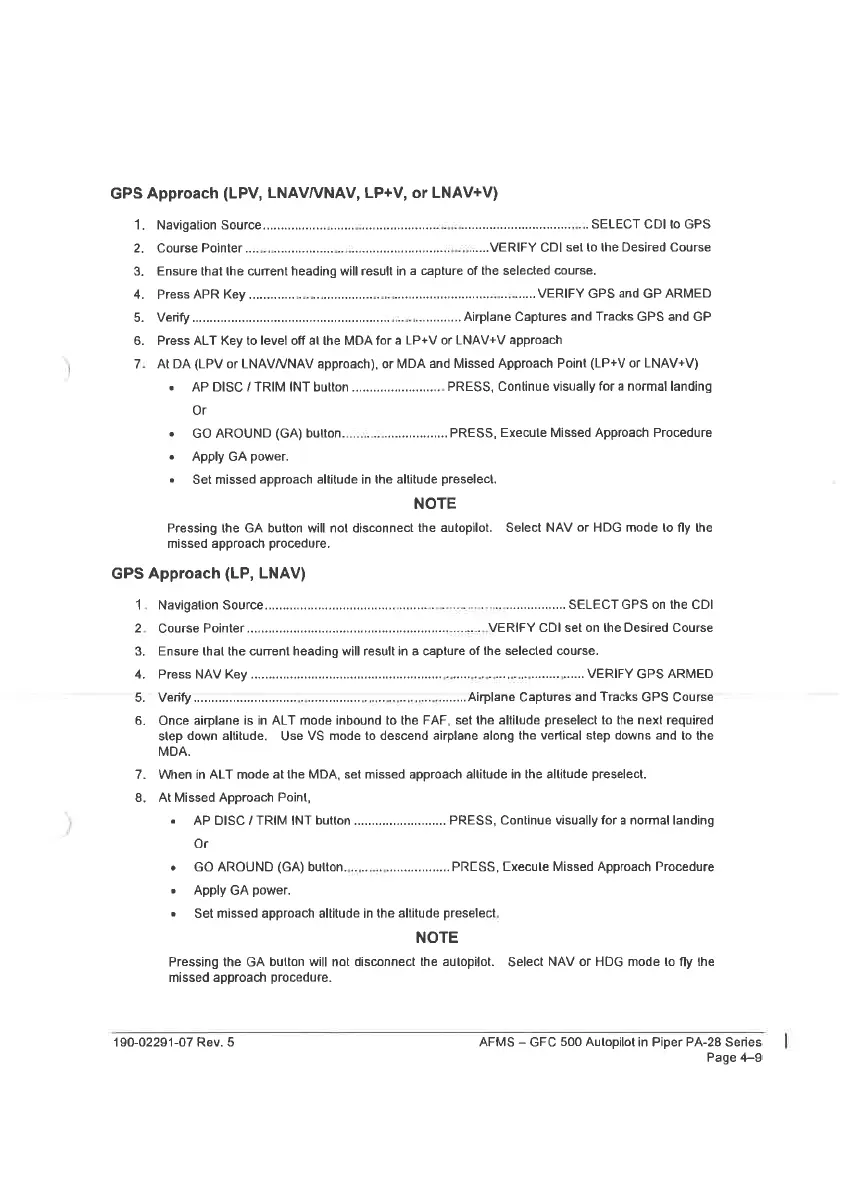
GPS
Approach
(LPV,
LNAV/VNAV,
LP+V,
or
LNAV+V)
N
Oar
wn
a
Navigation
SOUICE.......
ccc
cecsceessetsseesercesereoreesssestaniececssasesasusseusansressessecereseese
SELECT
CDI
to
GPS
.VERIFY
CDI
sei
to
the
Desired
Course
Ensure
that
the
current
heading
will
result
in
a
capture
of
the
selected
course.
Press
APR
Key
.............
OSs
ssesserererelta
rat
se
nsensorcatoncoreree
.
VERIFY
GPS
and
GP
ARMED
VGTIPY
see
ecsesesscstersesecsersesecssntsatsenersereneeseneuedeesaveneasess
Airplane
Captures
and
Tracks
GPS
and
GP
Press
ALT
Key
to
level
off
al
he
MDA
for
a
LP+V
or
LNAV+V
approach
At
DA
(LPV
or
LNAV/VNAV
approach),
or
MDA
and
Missed
Approach
Point
(LP+V
or
LNAV+V)
Course
Pointer
.........
e
AP
DISC
/
TRIM
INT
button
....
cece
PRESS,
Continue
visually
for
a
normal
landing
Or
e
GO
AROUND
(GA)
bulton.......
eee
eeceeeees
PRESS,
Execute
Missed
Approach
Procedure
e
Apply
GA
power.
e
Set
missed
approach
altitude
in
the
allitude
preselect.
NOTE
Pressing
the
GA
button
will
not
disconnect
the
autopilot.
Select
NAV
or
HDG
mode
to
fly
the
missed
approach
procedure.
GPS
Approach
(LP,
LNAV)
aa
kk
PY
i
Navigalion
SOUrCE.......ccciecescneettesssecsrerssrsueneesinennets
apteuigessserescersnacen
SELECT
GPS
on
the
CDI
Course
Pointer...
cc
cscsseeesesscnsesstsstnensenenssneeversrsssecnensseas
VERIFY
CDI
set
on
the
Desired
Course
Ensure
thal
the
current
heading
will
result
in
a
capture
of
the
selected
course.
Press
NAV
Key
Jace
resgracectes
«tasencgeasosncppadsese
VERIFY
GPS
ARMED
VGUEY
iitrssssssscorcsvesccercagntgvevetrtcsorsrrsigearonipgrebiepivcaperssrtee
Airplane
Captures
and
Tracks
GPS
Course
Once
airplane
is
in
ALT
mode
inbound
to
the
FAF,
set
the
altitude
preselect
to
the
next
required
slep
down
altitude.
Use
VS
made
to
descend
airplane
along
the
vertical
step
downs
and
to
the
MDA.
When
in
ALT
mode
at
the
MDA,
set
missed
approach
altitude
in
the
altitude
preselect.
At
Missed
Approach
Point,
«
AP
DISC/TRIMINT
button.
PRESS,
Continue
visually
for
a
normal
landing
Or
e
GO
AROUND
(GA)
bullton.......0
cence
PRCSS,
Cxecute
Missed
Approach
Procedure
e
Apply
GA
power.
e
Set
missed
approach
altitude
in
the
altitude
preselect.
NOTE
Pressing
the
GA
button
will
not
disconnect
the
autopilot.
Select
NAV
or
HDG
mode
to
fly
the
missed
approach
procedure.
190-02291-07
Rev.
5
AFMS
GFC
500
Autopilot
in
Piper
PA-28
Series
Page
4-9

Table of Contents

Related product manuals