BEFORE SERVICING, REFER TO PAGE 3 AND 4 OF THIS DOCUMENT FOR IMPORTANT NOTICES
L22-405 RO 10
COMPUTER DISPLAYS
•
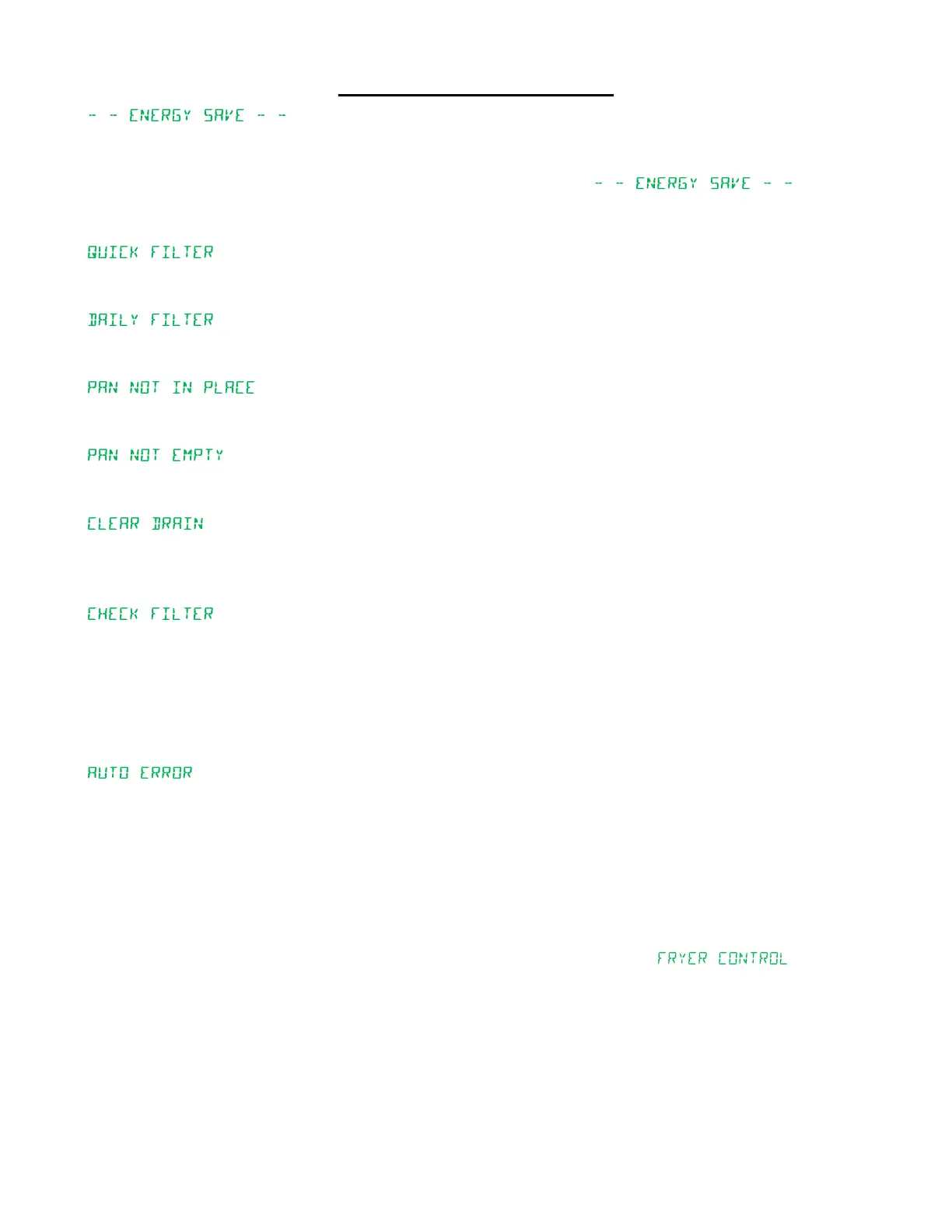
Aer every lter cycle, the equipment will be put into an energy savings mode. This mode will drop the set
temperature to the programmed setback temperature.
To enter energy save mode, press and hold the thermometer key unit “ ” is displayed.
To exit the energy save mode, press the thermometer key once and the unit will then heat to the correct set
temperature for cooking products.
•
Quick lter is when the unit will drain the oil into the lter pan and then ll the tank. This process usually takes less
than two minutes.
•
This is the end of day lter. It is the same process as the quick lter except the oil will run through the lter paper for
a longer me for a more thorough cleaning process.
•
This indicates that the lter pan in not installed or not installed properly. This message will also display if the front
door is open. Make sure the lter pan is installed properly and the front door is closed before trying to lter again.
•
The lter pan may sll have oil in it or there is debris holding the lter pan oat in a raised posion. Remove the oil
and/or debris before trying to lter again.
•
The lter pan has not properly sensed oil draining into it from the fry pot during a lter cycle. If the drain is open and
no oil is entering the lter pan, use the provided drain tool to clear the drain. Once the oil drains into the lter pan,
the lter process will automacally restart.
•
The oil is returned to the fry tank from the lter pan to nish the lter cycle. If the lter pan is not sensed empty
within a predetermined me, the system assumes there is a pump issue.
Check to make sure the pre-lter screen is free of any debris and is screwed in and ght. Finger ght is ok.
Also check that the white O-ring is in place on the pre-lter screen.
Check the white On/O switch behind the door towards the top of the cabinet is in the On posion. This is
the circuit breaker for the pump motor.
•
The lter pan was sensed as not in place or the door was opened during a running lter cycle. This error will shut
down all operaon and the operator must intervene to nish the lter cycle.
Check to make sure the lter pan did not get pulled out from the fryer while the fryer was in a lter mode.
Replace the lter pan or push the lter pan back in place.
Verify the door is properly latched.
Once the lter pan has been put back into the proper posion and the door closed, you will need to manually
return the oil to the fry pot using the computer interface.
• Press and hold the middle lter buon unl the display shows “ ”
• Press the “L” key.
• Press the “6” key to turn on the lter pump.
• Once the oil is returned, press the “6” key again to turn the lter pump o.
• Turn the fryer o and back on. The unit is now ready for use.


 To Next Page