System Settings Menu
Using Menu System
This section explores the system settings menu of your
TV. Each menu is outlined and detailed to help you get
the most from your TV. Please note that some function
might be unavailable in certain input source. To access
the menu system
:
1. Press
on remote control to display the
main menu.
Note: If you are using RC311S, you can press
on the remote control and select Settings and then
press OK.
2.
CHANNEL, PICTURE,
SOUND
,
TIME,
or
then press OK to enter
the submenu.
3.
press OK to open the corresponding submenu or
activate a setting.
4. To return the previous menu, press
To close the menu, press
EXIT
.
Note: Figures and illustrations in this User Manual are
provided for reference only and may differ from actual
product appearance. And for some models, certain
options are not available.
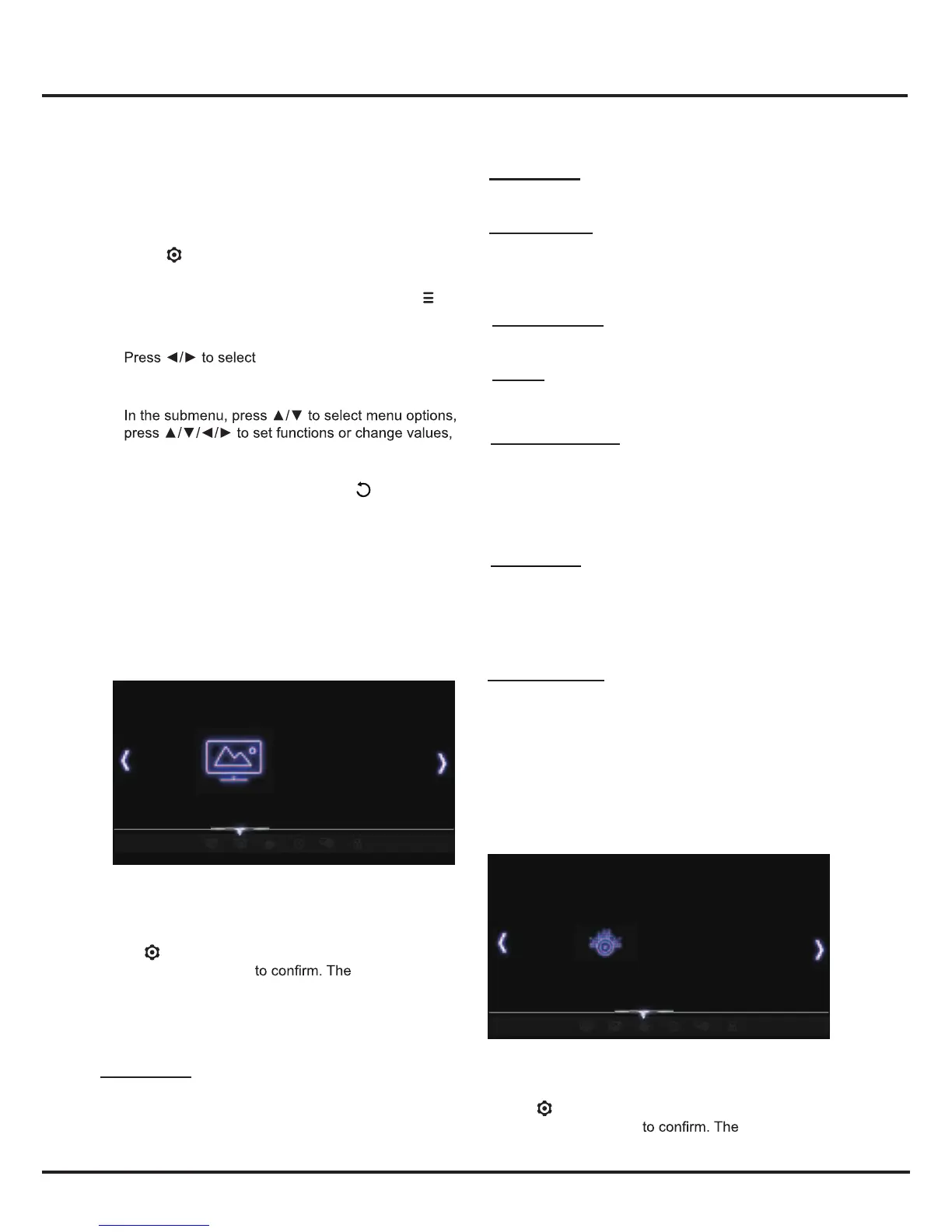
Picture
This menu allows you to adjust each option to obtain the
best picture settings according to your preference, the
type of program of you are watching and the ambient
lighting.
Press
to display the main menu and select
Picture, then press OK
Picture options
are as follows:
Note: Some options may be not available for certain
signal sources.
Picture Mode
Press OK to enter, and then press ◄/► to select a
picture mode: Dynamic, Standard, Movie or User.
Note: Picture Mode may be automatically set to User if
you make any adjustment to the following picture options.
Chapter 4
15
Gamma Sets the shape of the Gamma curve. Use lower
Gamma values for bright ambient lighting, and higher
values when it is dark.
Color Temperature Adjusts the color temperature of the
picture. Press ▲/▼ to select the color settings: Cool for
a more blue palette of picture colors; Warm for a more red
palette of picture colors.
Note:For some models, the Color Temperature option is
not available.
:
Noise Reduction: Improves the quality of the picture
in the case of poor reception. Press
to select
off, Low, Middle, High, Auto.
Sound
This menu allows you to adjust each option to obtain the
best sound settings to optimize audio output.
Press to display the main menu and select
Sound, then press OK Sound options
are as follows:
Picture Mode Standard
Content Type
Color Extender
Motion Enhance
Gamma
Color Temperture
Aspect Ration
Noise Reduction
Dynamic Contrast
Content Type
Press OK to enter,and then press ▲/▼ to
select Video,PC and Game.
Color Extender Press OK to enter, and then press ▲/▼
to select ON, Off or xvYCC. Using xvYCC source, the TV
system will into this option automatically. The signal will be
in a primal form and then the PQ system will not change.
Motion Enhance
Press OK to enter,and then press ▲/▼
to select Off,Low,Middle and High.
Sound Mode Standard
Blance
Auto Volume
SPDIF Mode
Default Audio Language
Default MTS/SAP
SPDIF Delay
SOUND
PICTURE
SETTINGS,
LOCK,
▲/▼
Dynamic Contrast: Adjusts the contrast automatically.
Press ◄/► to select On or Off.
Aspect Ratio
Press OK to enter, and press ▲/▼ to scroll through
the picture mode settings: AUTO, 4:3, 16:9, Just Scan.
Note: Some options may not be available for certain
signal sources.


 To Next Page