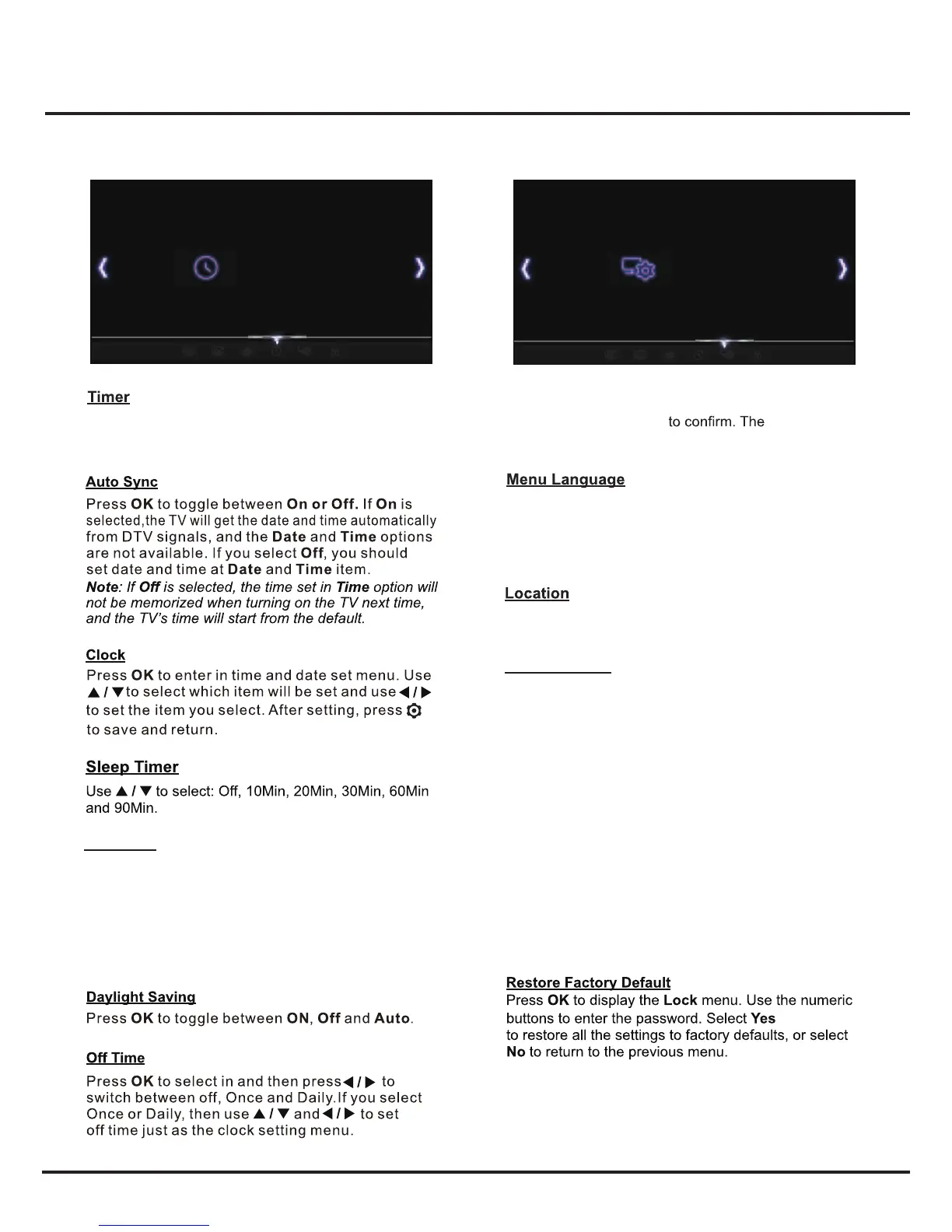
System Settings Menu
Time
Press MENU to display the main menu and select
Settings
, then press
OK
options
are as follows:
Press
OK
to enter and then to select
English
or Español.
Note: For some models, the Spanish option is not
available.
Sets the location of your TV. Press
OK
to select Home
or Shop.
17
This menu allows you to set the time zone on your TV
set, to program an automatic turn-off or wake-up timer.
Press OK to enter. The options are as follows:
Auto Sync On
Clock
Sleep Timer
Time Zone
Daylight Saving
Off Time
TIME
01:18
Menu Language English
Location
Restore Factory Default
Network
T-Link
Software Upgrade
Settings
Netflix Setting
Note: The options available vary according to the
value of Time Zone Mode. Region 1 to Region 5
represent Fernando de Noronha, Northeast, South
and Southeast, North, and West respectively.
SETTINGS
Closed Caption
▲/▼ to choose
Closed Caption
Many programs are encoded with closed captioning
information, which allows you to display the audio portion
of a program as text on the TV screen.
Note: Closed captioning is not available on all
channels.
The options are as follows:
Enable Caption: Press ▲/▼ to select a mode: CC Off,
CC On or On When Mute.
• CC Off: No captioning information displayed.
• CC On: Captioning information always appears, when
available.
• On When Mute: Displays captioning information, when
available, whenever the TV’s sound is mutedby pressing
MUTE button. The captioning informationis not displayed
when the sound is not muted.
Press ▲/▼ to select the local zone (Newfoundland,
Atlantic,Eastern,Central,Mountain,Pacific,Alaska,
Hawaii,Samoa.).
Time Zone
Settings
Note: The default password is“0000”.And “0812” is the super
pass word.If you forget your password,enter it to override
any existing ones.


 To Next Page