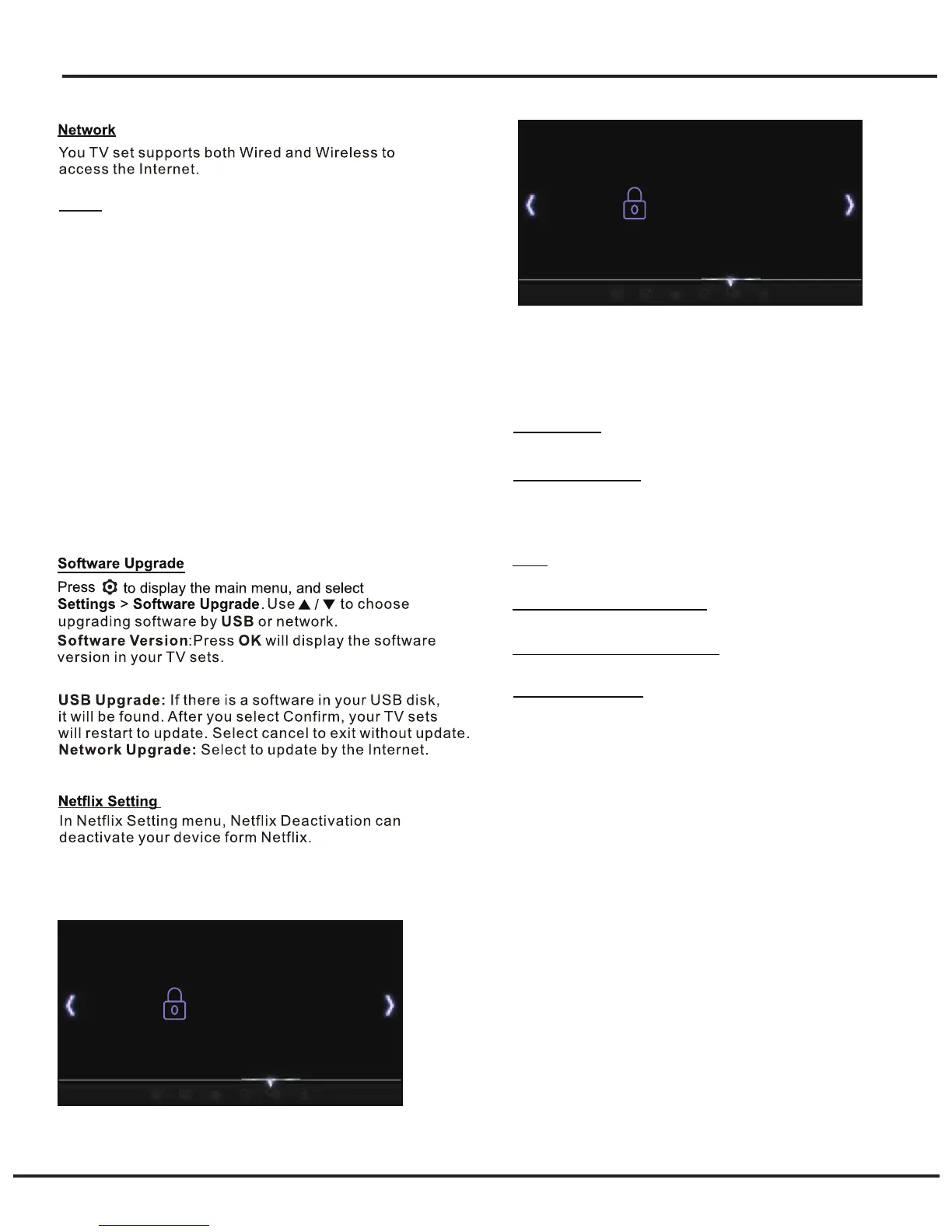
System Settings Menu
Lock
This menu can control the special function for TV
channels.
18
Lock System
LOCK
This option allows you to change the password. Press
OK to enter, then press the numeric button to enter the
old password, and then the new password twice.
Change Password
T-Link
This enables the TV set and your CEC devices (e.g.
DVD) to turn on/off or auto standby synchronously.
Press OK to enter. The options are as follows:
- T-Link
Enables the T-Link function. Select On to enable this
function.
Note: The options TV Auto Power and Auto Standby below
are only available when T-Link is set to On.
- TV Auto Power
Enables the TV to automatically power on when you power
on CEC device (e.g. DVD) with the device’s remote. Select
On to enable this function.
- Auto Standby
Enables all CEC devices to automatically go to the standby
mode when you turn off the TV with the TV remote. Select
On to enable this function.
Lock System
LOCK
Off
Change Password
USA
Canda
Region Rating Table Setting
Region Rating Table Reset
Block Unrated TV
Lock System
Press OK to enter and choose On and Off.
USA
Press OK to enter and choose TV Ratings and MPAA.
Region Rating Table Setting
Press OK to enter and set the region rating table.
Region Rating Table Reset
Press OK to reset region rating table.
Block Unrated TV
Press OK to enter and choose On and Off.
Note: The default password is“0000”.And “0812” is the super
pass word.If you forget your password,enter it to override
any existing ones.


 To Next Page