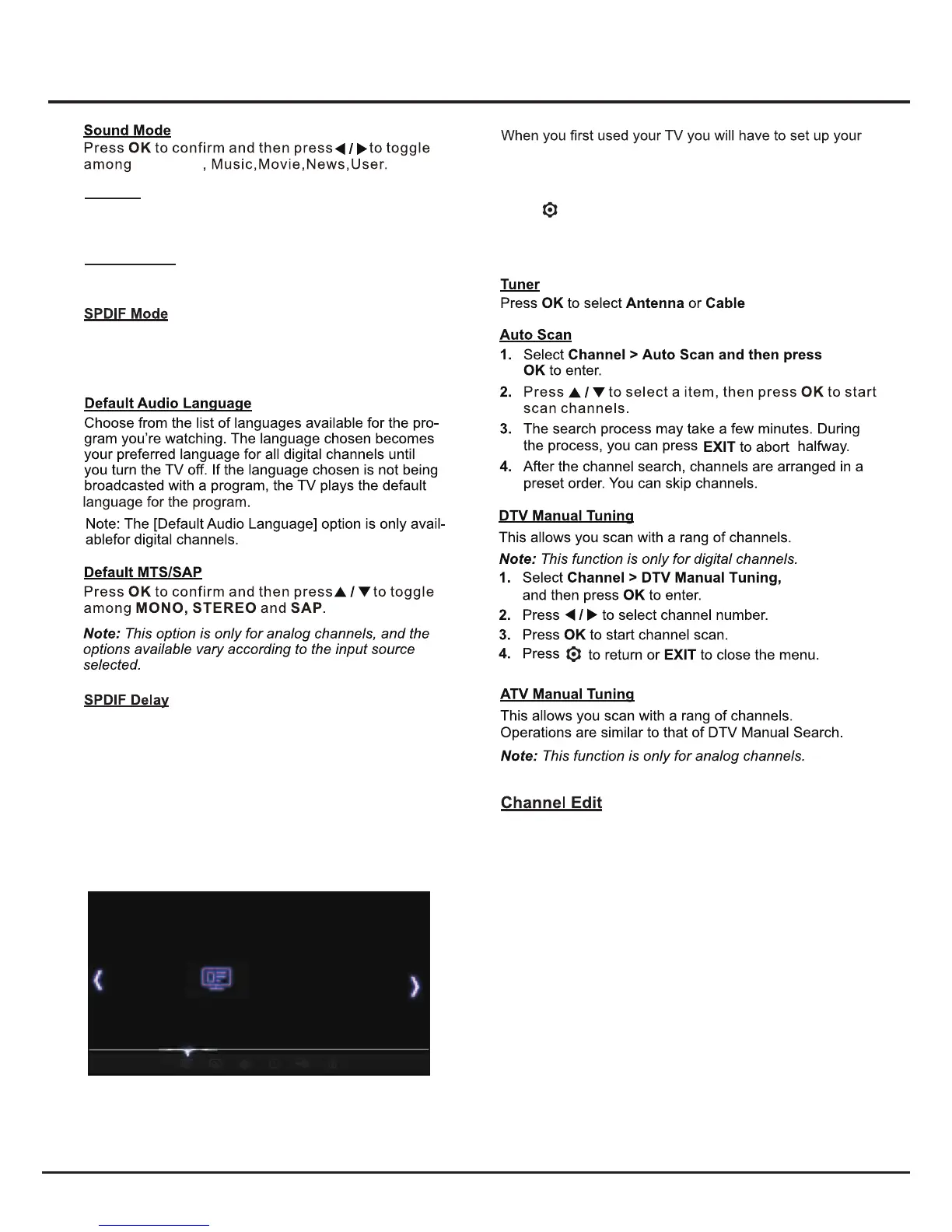
System Settings Menu
This option is used to control the type of audio stream
sent to the Digital Audio Output (SPDIF) socket. Press
to select Auto or PCM.
This option is used to synchronize the sound with the
picture. If the sound is slower/quicker than the action
of the picture, you can press ◄/► to turn down/up the
numerical value.
Channel
TV for DTV/ATV channels using the Initial Setup menu.
If you did not do this or if your setup has changed, you
can do this from this menu.
Press to display the main menu and select
Channel, then press OK to confirm. The Channel
options are as follows:
Balance
Press ◄/► to balance the sound between the left and
right speakers.
16
1. Select Channel > Channel Edit and press OK to
display Channel Edit menu.
2. Press ▲/▼ to select the channel as your desired,
then press the RED button on the remote
control to set your favorite channel or the green
3. Press Return to return or EXIT to close the menu.
Turner Antenna
Auto Scan
DTV Manual Tuning
ATV Manual Tuning
Chanel Edit
CHANNEL
OK
Standard
Auto Volume
Press ◄/► to select On/Off.


 To Next Page