7
Group setting button (GP SET): Set the device group. Slightly press the button
to check the current status; press again or hold for 2sec to enter setting mode.
Channel Indicator/Group Indicator: These indicator lights show the group or
channel working status.
Operation Indicator: Power, wireless communication or command indicator.
Indicator displays as red when turning on the device; indicator displays as blue
when the device communicate with camera.
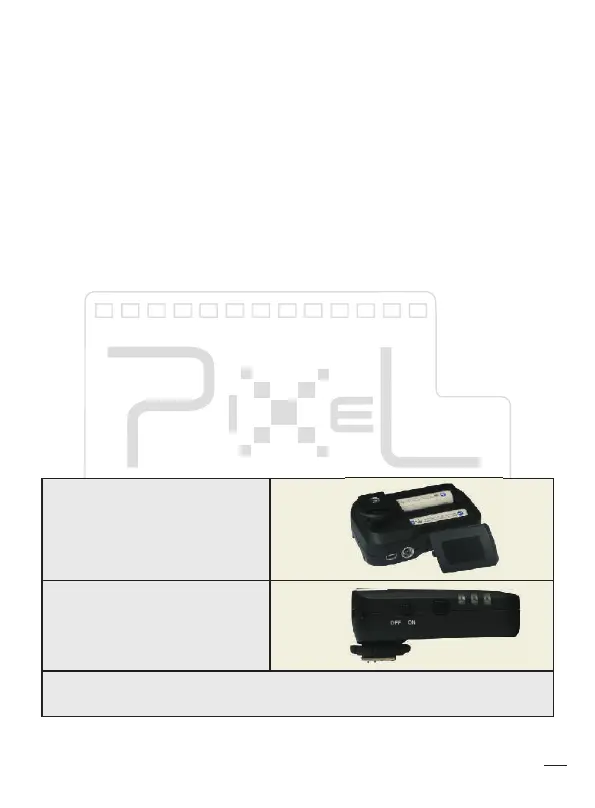
Battery Compartment: Compartment for 2pcs AA battery, 1.2V to 1.6V
Receiver Lock Ring: Suitable to attach on tripod or screw nut.
PC Socket: PC output socket
Power Switch: Switch to OFF to turn off the device; switch to ON to turn on the
device.
Transmitter Mounting Foot: Input interface connection with camera hot shoe.
UBS Socket: Used for firmware upgrade, DC 5V power supply, shutter rem
Sticker: Showing product S/N number, battery type on the sticker.
The setting will be saved after the power is off, even the different setting on
each channel.
1、Power
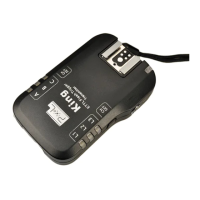
King is using 2-steps power
switch; switch to OFF to turn off
and switch to ON to turn on.
Transmitter and receiver are
using 2pcs AA battery which are
compatible with 1.2V battery;
also supports 5V DC power
supplied through USB socket.


 To Next Page