11
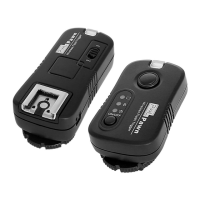
A. Transmitter side: Channel as L1, Group as ALL; Receiver side:
Channel as L1, Group as A
B. Transmitter Operation Mode:
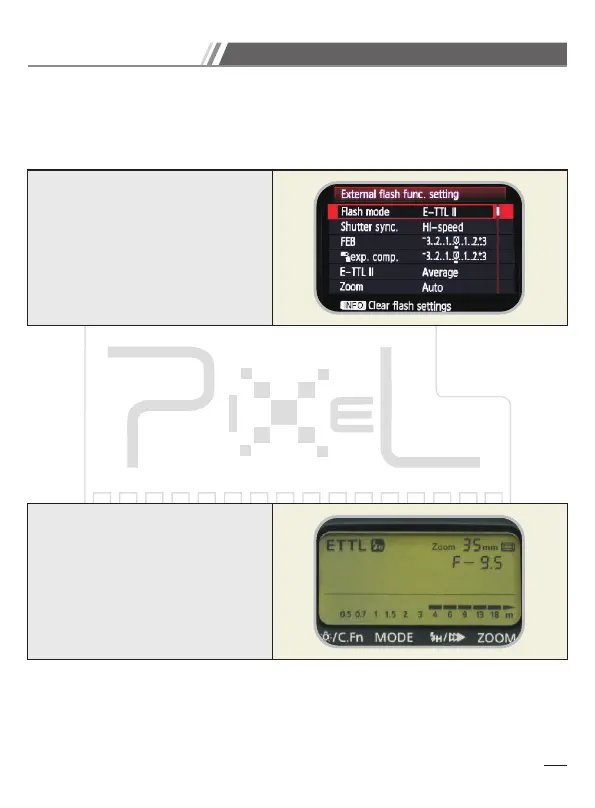
1. ransmitter and camera set as E-TTL
2. Turn on transmitter and the status as below:
3. Separate to purchase N-ETTL and use on transmitter hot shoe.
4. Set the channel and group through CH SET and GP SET button.
5. The setting will be saved after the power is off, even the different setting on each
channel.
C. Receiver Side Operation Mode:
1. Receiver will follow the transmitter data to set the flash mode, output, sync speed,
EV, zoom…etc.
2. The indicator flashes as blue when working normal.
3. Receiver default setting from factory.
1.E-TTL II Flash Mode: E-TTL II
2.Shutter sync.: Hi-speed
3.Exp. Comp.: 0
1.E-TTL II Flash Mode: E-TTL II
2.Shutter sync.: Hi-speed
3.Exp. Comp.: 0
D. This product cannot support Canon external flash wireless function.
E. This device supports to set the flash output through camera.
(This is only compatible with the camera and flash which is supported this mode)
Device Operation Mode


 To Next Page