16 LB2650W User’s Guide 020097300 Rev. A
change to power saving mode. If direction key is
pressed during power saving mode, this warning OSD
is opened again.
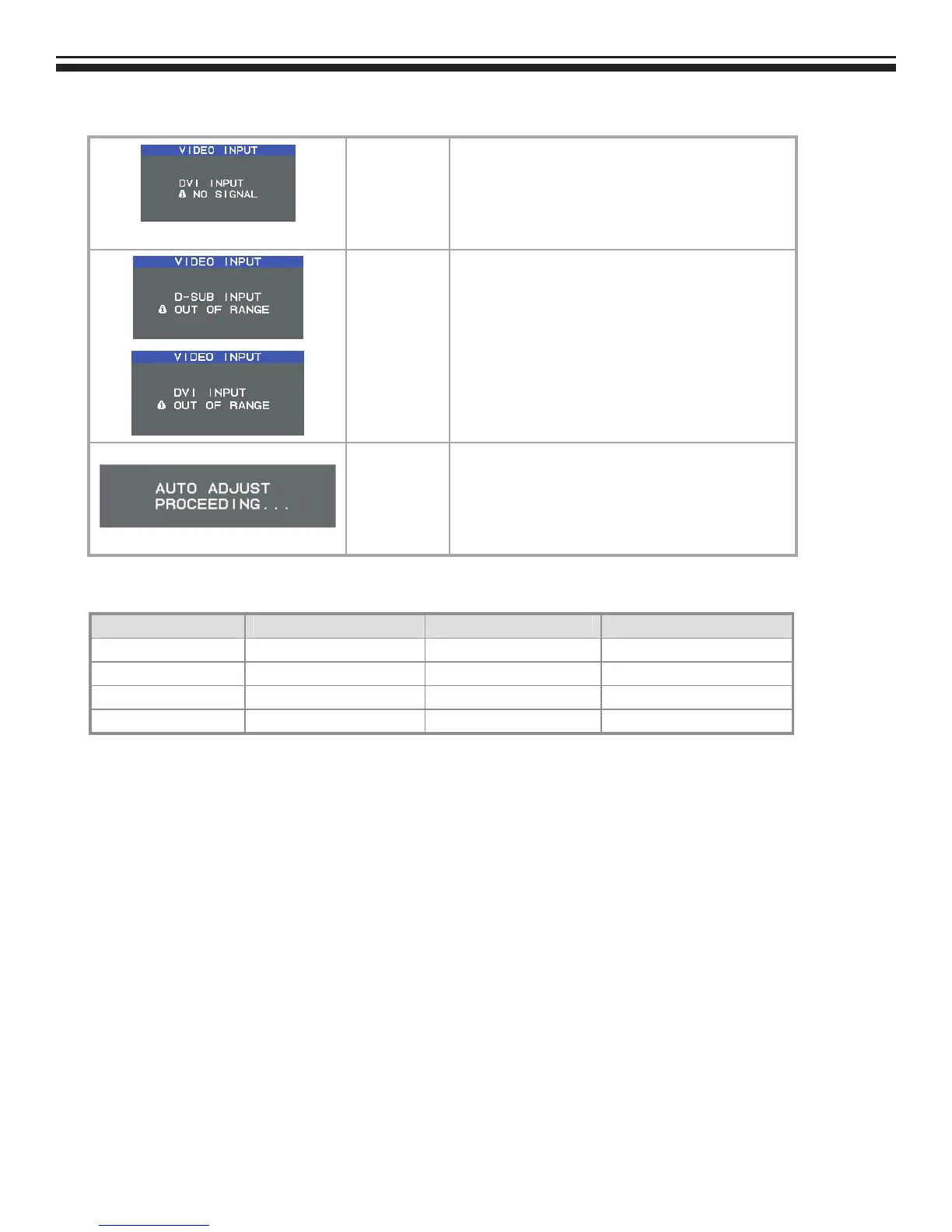
OSD Warnings
OUT OF RANGE
This function gives warning about input resolution or
refresh rate that the monitor cannot display.
If video signal is not at the proper timing when the
monitor powers on or input signal is changed, this
message opens and it disappears after 45 seconds, or
by "EXIT" key.
Auto Adjust
(Analog Input
Only)
When the monitor is displayed for the first time and the
resolution is 800x600 and above, the monitor will auto
adjust itself.
To manually execute the Auto Adjust function, press
the Auto button.
Target color coordinates
Color Temp. 9300K 7500K sRGB
u’ 0.189 0.194 0.198
v’ 0.446 0.459 0.468
x 0.283 0.299 0.313
y 0.297 0.315 0.329



 To Next Page