LB2650W User’s Guide 020097300 Rev. A 17
OSD Lock Out Function
The OSD Lock Function allows you to lock out the OSD menu and the button keys.
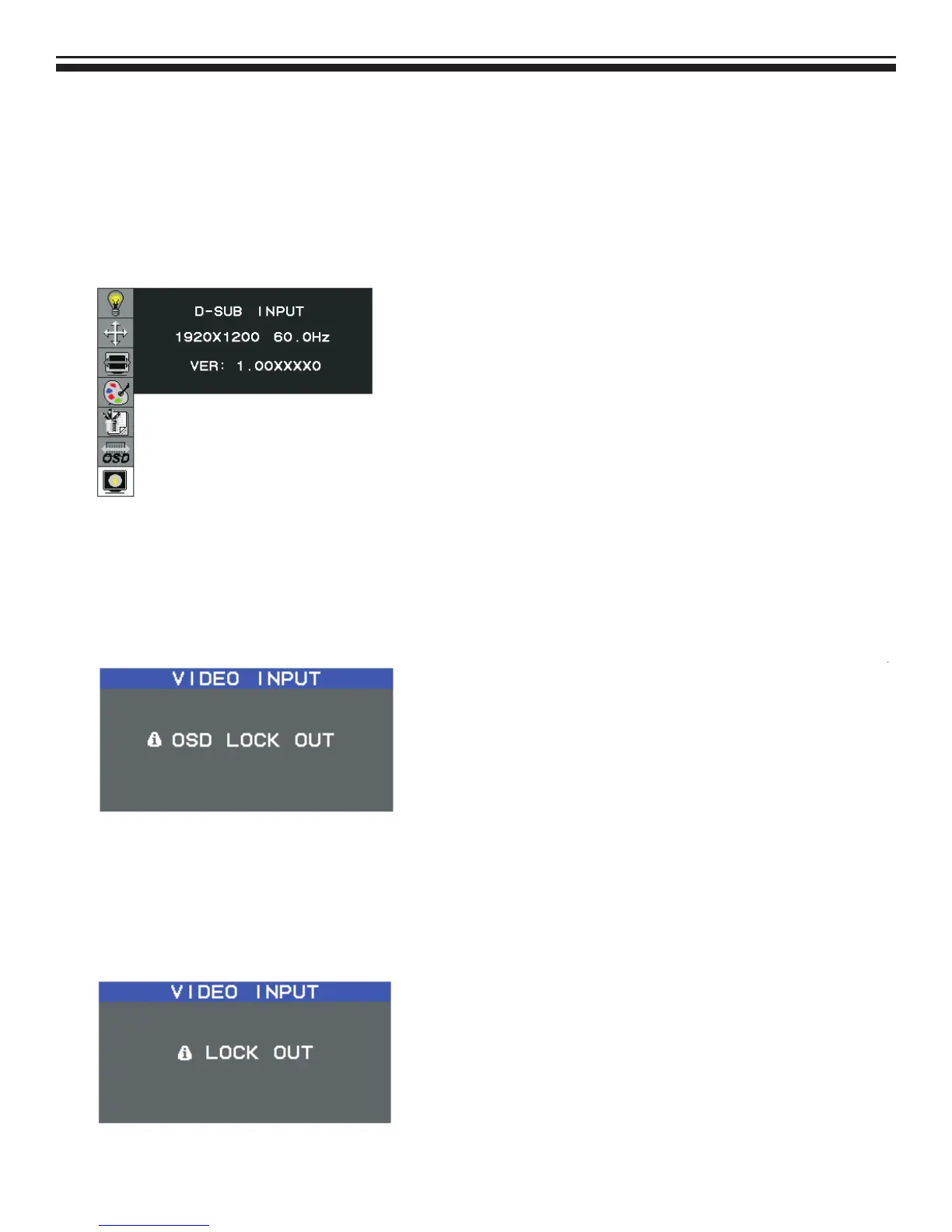
To activates the OSD lock function, the monitor must be in a normal display mode and the information menu as
shown in fig-2-4 must be activated. Then follow the instructions below.
Figure 2-4
Option 1: OSD lock – all buttons be locked except the “POWER” button.
Press “Exit Key + Menu Key + Soft power key” at same time
The monitor will show an “OSD Lock Out” message, showing time as “OSD TURN OFF” setting, and the message be
show again by any button, also any button exit this message, but “Power” button be turn off / on monitor.
Only repeat this step to unlock.
Option 2: OSD & Power button lock – all buttons including “POWER” button be locked.
Press “Exit Key + Menu Key + Up key” at same time
The monitor will show an “OSD Lock Out” message, showing time as “OSD TURN OFF” setting, and the message be
show again by any button, also any button exit this message, but “Power” button no action.
Only repeat this step to unlock.



 To Next Page