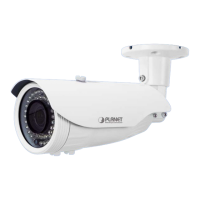
1080p IR Bullet PoE IP Camera
ICA-3460V
- 16 -
Interface Description
Connects the onboard LAN port to your local area network
by Ethernet cable. For connection to 10BASE-T Ethernet or
100BASE-TX or Fast Ethernet cabling, this Ethernet port
built auto-negotiation protocol can detect or negotiate the
transmission speed of the network automatically. Please
use Cat5e cable to connect the Network Camera to a
100Mbps Fast Ethernet network switch or hub.
ONLY use one power source, either from DC or
from 802.3af Power over Ethernet.
RCA Audio Input
Connect an external active microphone to the camera.
RCA Audio Output
Connect an active loud speaker to the camera.


 To Next Page
 Loading...