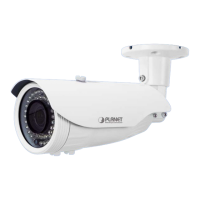
1080p IR Bullet PoE IP Camera
ICA-3460V
- 57 -
Appendix C: DDNS Application
Configuring PLANET DDNS steps:
Step 1: Visit DDNS provider’s web site and register an account if you do not have one yet. For
example, register an account at http://planetddns.com
Step 2: Enable DDNS option through accessing web page of the camera.
Step 3: Input all DDNS settings.


 To Next Page
 Loading...