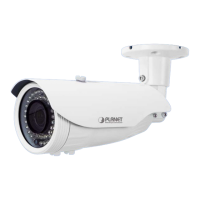
1080p IR Bullet PoE IP Camera
ICA-3460V
- 38 -
Frame Rate Interval
The max. value is affected by the input resolution you choose.
3.4.2 Audio Setting
Audio Enable
Check the box to set audio function as enable; uncheck it to set
audio function as disable.
Audio Format
User can set audio format as G.711 (A-law and µ-law)
Audio Sampling Rate
User can set audio sampling rate as 8000/16000.
Audio Input Volume
User can set audio input volume from 1 to 100.
Audio Output Volume
User can set audio output volume from 1 to 100.


 To Next Page
 Loading...