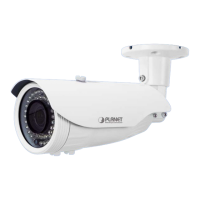
1080p IR Bullet PoE IP Camera
ICA-3460V
- 49 -
Setting
Click this option to enable time synchronization with PC time.
Manual Setting:
Click this option to set time and date manually.
Adjust
Manual Setting:
Click this option to set time and date manually.
Synchronize
with NTP:
Click this option if you want to synchronize the
device’s date and time with those of time server
called NTP server (Network Time Protocol).
Time Zone
Set the time difference from Greenwich Mean Time in the area
where the device is installed.
Timing Address
Enter the NTP server IP address.
3.7.2 Motion Detection
Refer to this menu to specify motion detection window 1 to window 4 and set the conditions for
detection while observing a captured image.


 To Next Page
 Loading...