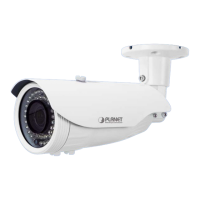
1080p IR Bullet PoE IP Camera
ICA-3460V
- 22 -
If user wants to set device as DHCP client, please refer to the following steps to set.
Step 1. Select an IP cam from the device list.
Step 2. Check the “Enable DHCP” box.
Step 3. Click “Generation”.
Step 4. Click “Modify” when you see the message and please click “Yes” to change the IP
address.


 To Next Page
 Loading...