Page 33
Operation
• Start the program by using the icon created by the setup program.
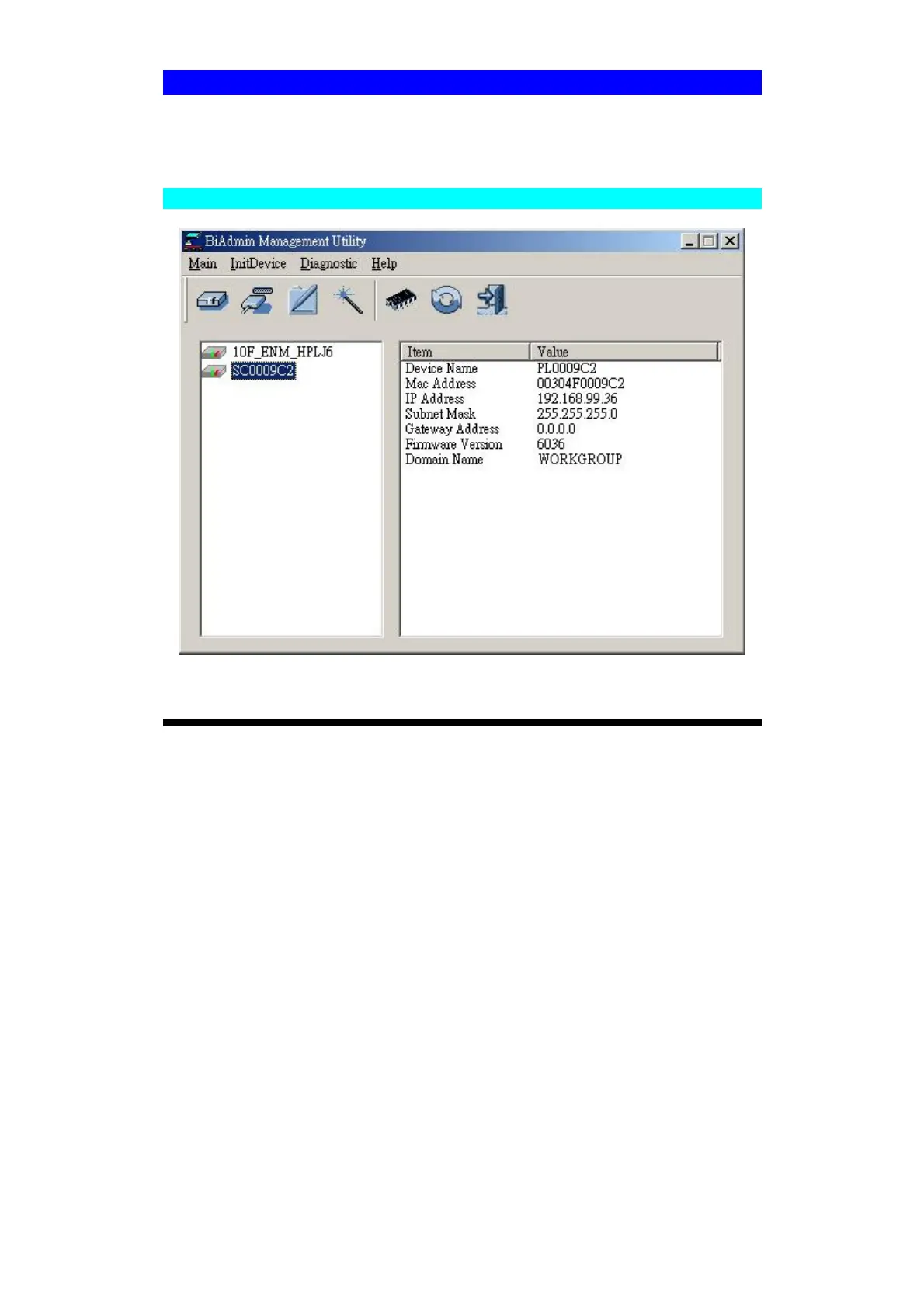
• When run, the program searches the network for all active Print Servers, then lists
them on screen, as shown by the example screen below.
Main Screen
Figure 8: Bi-Admin Main Screen
Groups
On the left side of the screen is a column for Groups. Each Print Server may be
placed in a group, using the Configuration-System Configuration-Groups menu option.
• If a group is selected, only Print Servers in that group will be listed on the right
side of the screen.
• By default, all Print Servers will appear in the [ROOT] group.
• A Print Server can only be a member of one (1) group, and will always be a mem-
ber of a group.
• Use the Configuration-System Configuration-Groups menu option to select a
group for the current Print Server.
• To create a new Group and add the current Print Server to it, just enter a group
name in the dialog. (See example screen below)



 To Next Page