Need help?
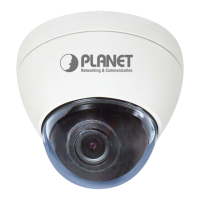
Do you have a question about the Planet ICA-5250 and is the answer not in the manual?
Highlights the camera's technical capabilities and detailed specifications.
Instructions for connecting the camera to the network.
Guide for installing the PLANET IP Installer utility for device setup.
Steps to establish a connection from a PC to the IP camera.
Configuring network settings for camera connectivity.
Configuring PPPoE for internet connection and DDNS for dynamic IP resolution.
Setting up virtual server ports on the router for remote camera access.
Procedures for resetting camera settings and recovering forgotten passwords.
Troubleshooting lost IP addresses and IP Installer program problems.
Diagnosing and fixing problems accessing the camera's interface.
 General
| Brand | Planet |
|---|---|
| Model | ICA-5250 |
| Category | Security Camera |
| Language | English |

 To Next Page