2.3.BasicSystemConguration
2.3.1 Web Login
Step 1. Connect a computer to an ETH port on the IPX-2100. Your PC must set
up to the same domain as 192.168.0.X as the IPX-2100.
Step 2.
Start a web browser. To use the user interface, you need a PC with
InternetExplorer(version6andhigher),Firefox,orSafari(forMac).
Step 3. Enter the default IP address of the IPX-2100: 192.168.0.1 into the URL
address box.
Step 4.
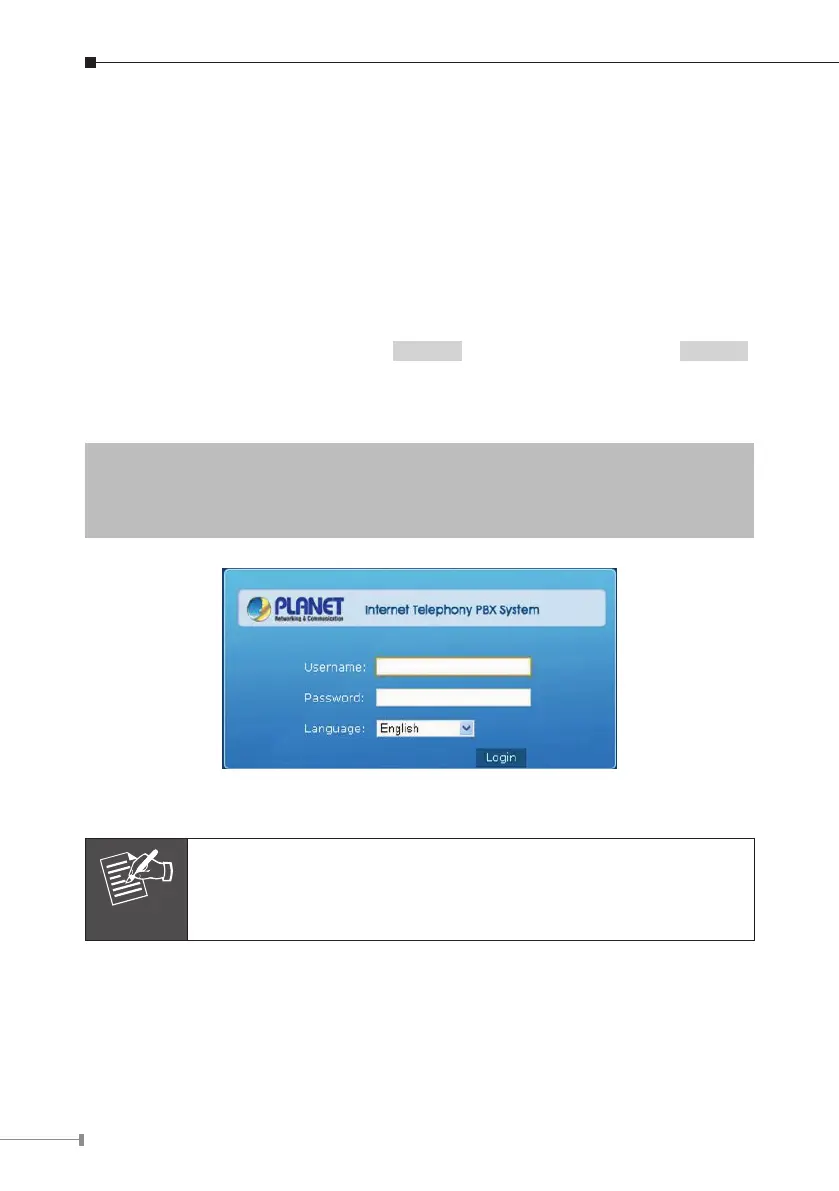
Enter the default user name admin and the default password admin ,
then click Login to enter Web-based user interface.
(Default IP)
Default ETH IP: 192.168.0.1
DefaultUserName:admin
Default Password: admin
Login page of the IPX-2100
For security reason, please change and memorize the new pass-
word after this first setup.



 To Next Page