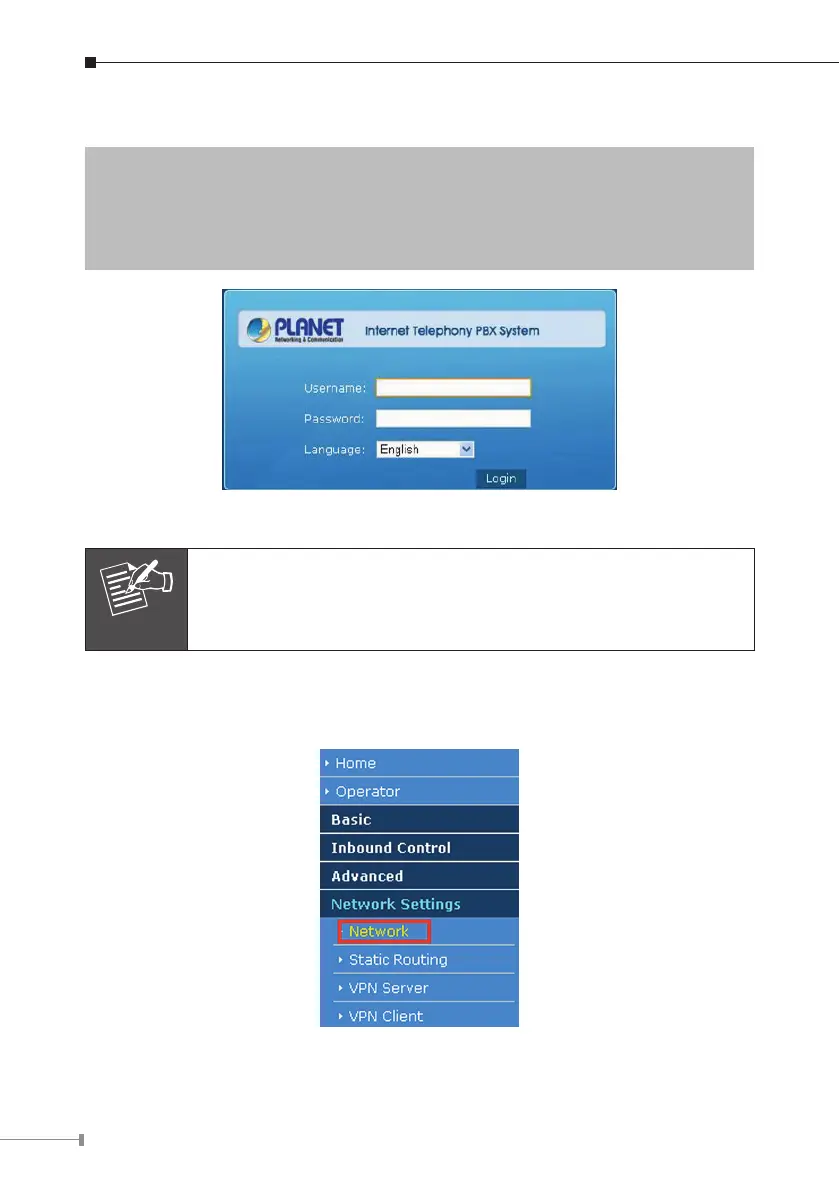
(Default IP)
DefaultWANIP:172.16.0.1
DefaultLANIP:192.168.0.1
DefaultUserName:admin
Default Password: admin
Login page of the IPX-2500
For security reason, please change and memorize the new pass-
word after this first setup.
3.3.2 ConguringtheNetworkSetting
Step 1. GotoNetworkSettingsNetwork
Network & Country button



 To Next Page