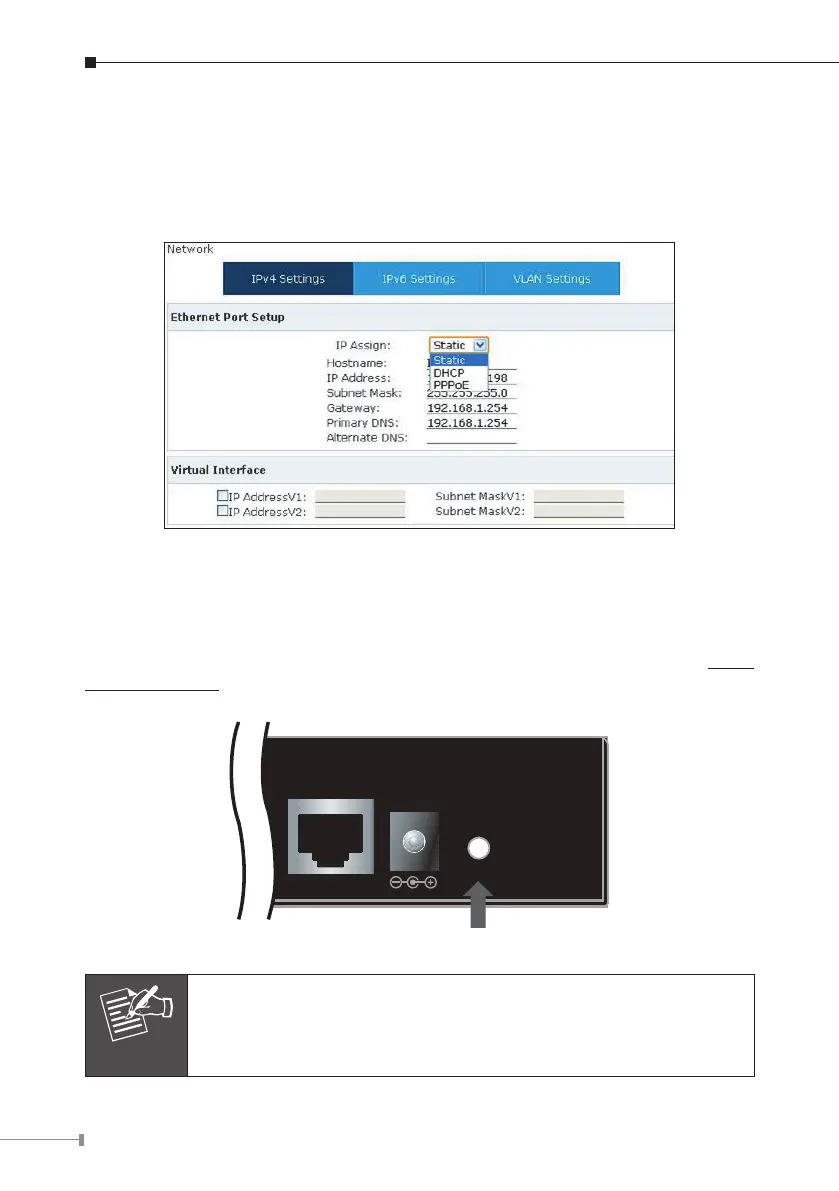
Step 2. Edit your ETH port IP information .
There are three types of Ethernet port connection. They are Static IP, PPPoE
(Point-to-Point Protocol over Ethernet) and DHCP. You can nd detailed setting
process in the user manual.
Selection of IP Connection Type
1.3.3 Changing IP Address or forgotten admin password
To reset the IP address to the default IP Address “192.168.0.1” (ETH) or reset the
loginpasswordtodefaultvalue,presstheresetbuttononthefrontpanelformore
than 6 seconds.Afterthedeviceisrebooted,youcanloginthemanagementWEB
interface within the same subnet of 192.168.0.xx.
Reset Button
ETH
Reset
12V DC
Afterpressing the“Reset”button,all the system data will bereset
todefault;ifpossible,backuptheconfigfilebeforeresetting.



 To Next Page