Enterprise HD PoE IP Phone
VIP-2020PT
VPN Password Set Password access to VPN L2TP Server.
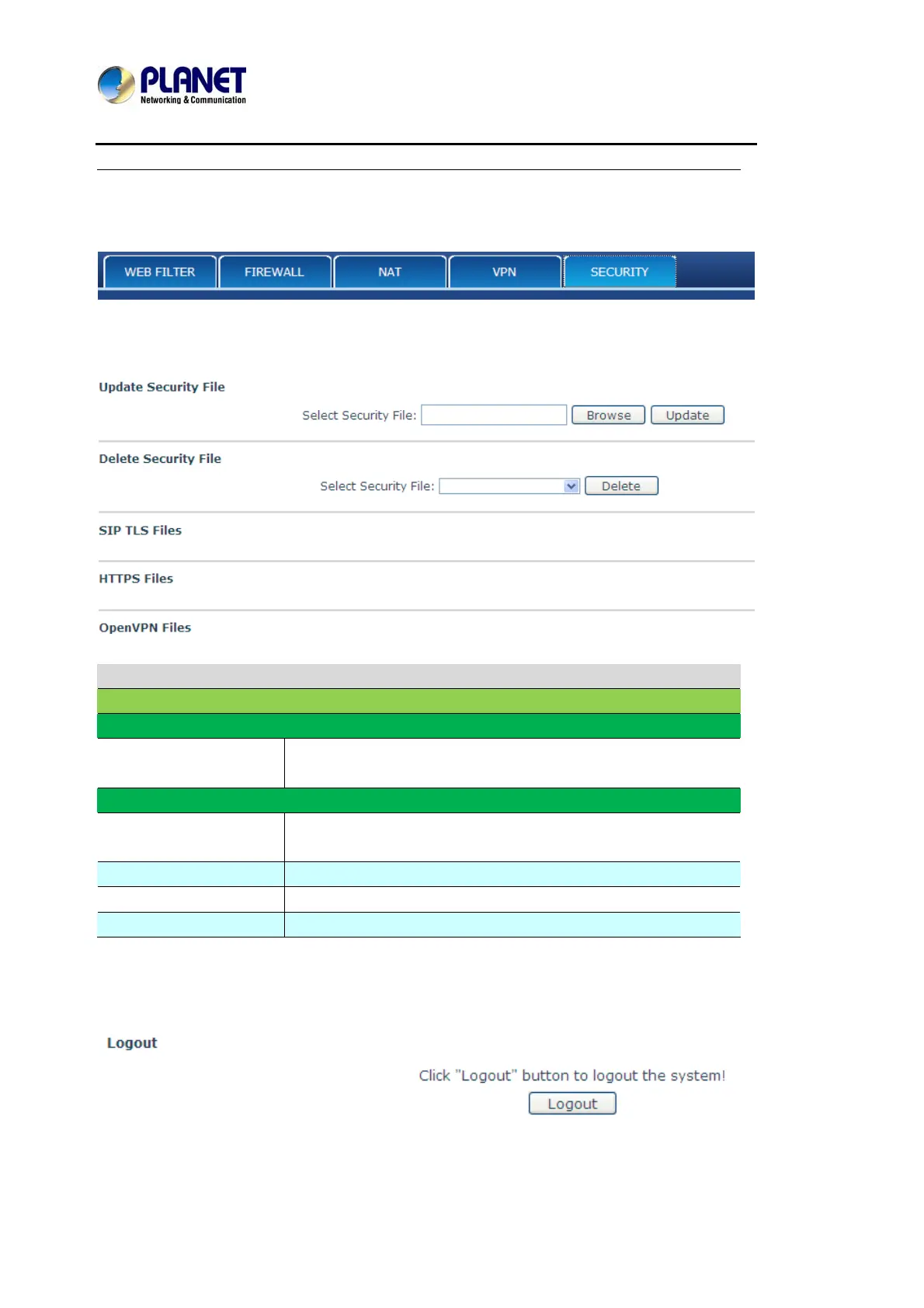
8.3.7.5 SECURITY
Security
Field name Explanation
Update Security File
Select Security File
Select the security file User want to update, then click Update
button to update.
Delete Security File
Select Security File
Select the security file User want to delete, then click Delete
button to update.
SIP TLS File Show SIP TLS authentication certification file.
HTTPS File Show HTTPS authentication certification file.
Open VPN Files Show Open VPN File authentication certification file.
8.3.8 LOGOUT
Click Logout
,
and User will exit web page. If User want to enter it next time, User need input
user name and password again.



 To Next Page