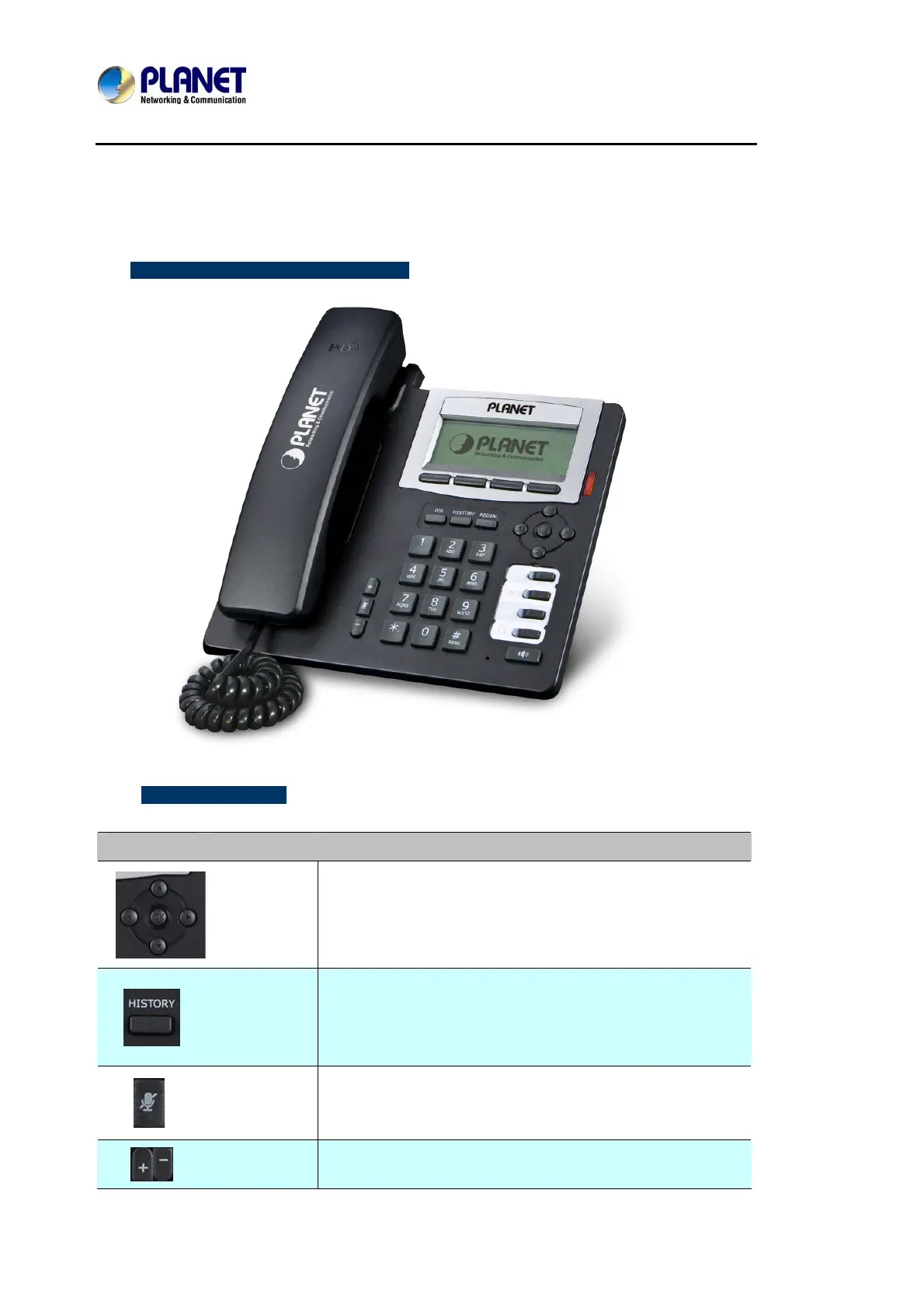
Enterprise HD PoE IP Phone
VIP-2020PT
1.5 Keypad
¾ Keypad, LED, and function key definitions
¾ Keypad Description
Key Key name Function Description
Navigation
Assists you in selecting an item that you want to process
under the menu by pressing the Up, Down, Right or Left
button. Press the center button to save.
Directory
Access to phone book by checking the record list, adding
new records or revising the record. When checking the
phone book record, press this key again to return to idle
mode.
Mute
Press this key in calling mode and you can hear the other
side, but the other side cannot hear you.
Volume -/+
Turn down or turn up the volume by pressing the “-“ key or
the “+” key.



 To Next Page