Enterprise HD PoE IP Phone
VIP-2020PT
Click【Finish】button after User setting is done. IP Phone will save the setting
automatically and reboot. After reboot, User can dial with the SIP account.
8.3.1.3 CALL LOG
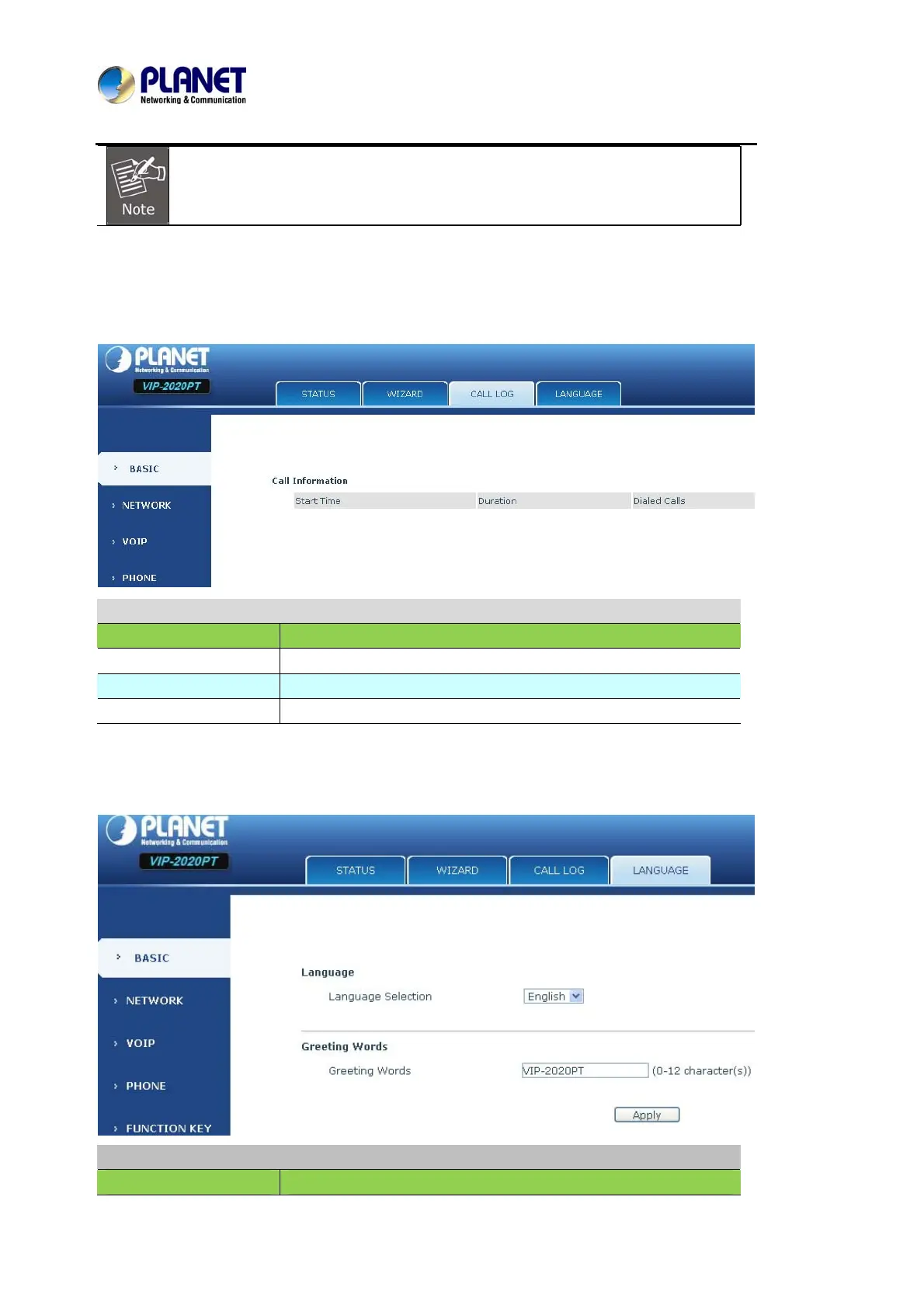
User can check all the outgoing calls on this page shown below:
Call Log
Field name Explanation
Start Time Display the start time of the outgoing record.
Duration Display the conversation time of the outgoing record.
Dialed Calls Display the account/protocol/line of the outgoing record.
8.3.1.4 LANGUAGE
LANGUAGE
Field name Explanation



 To Next Page