Enterprise HD PoE IP Phone
VIP-2020PT
Subnet Mask Set the Network mask of the lease table.
IP Gateway Set the Gateway of the lease table.
Leased Time Set the Lease Time of the lease table.
DNS Server Address
Set the default DNS server IP of the lease table; Click the Add
button to submit and add this lease table.
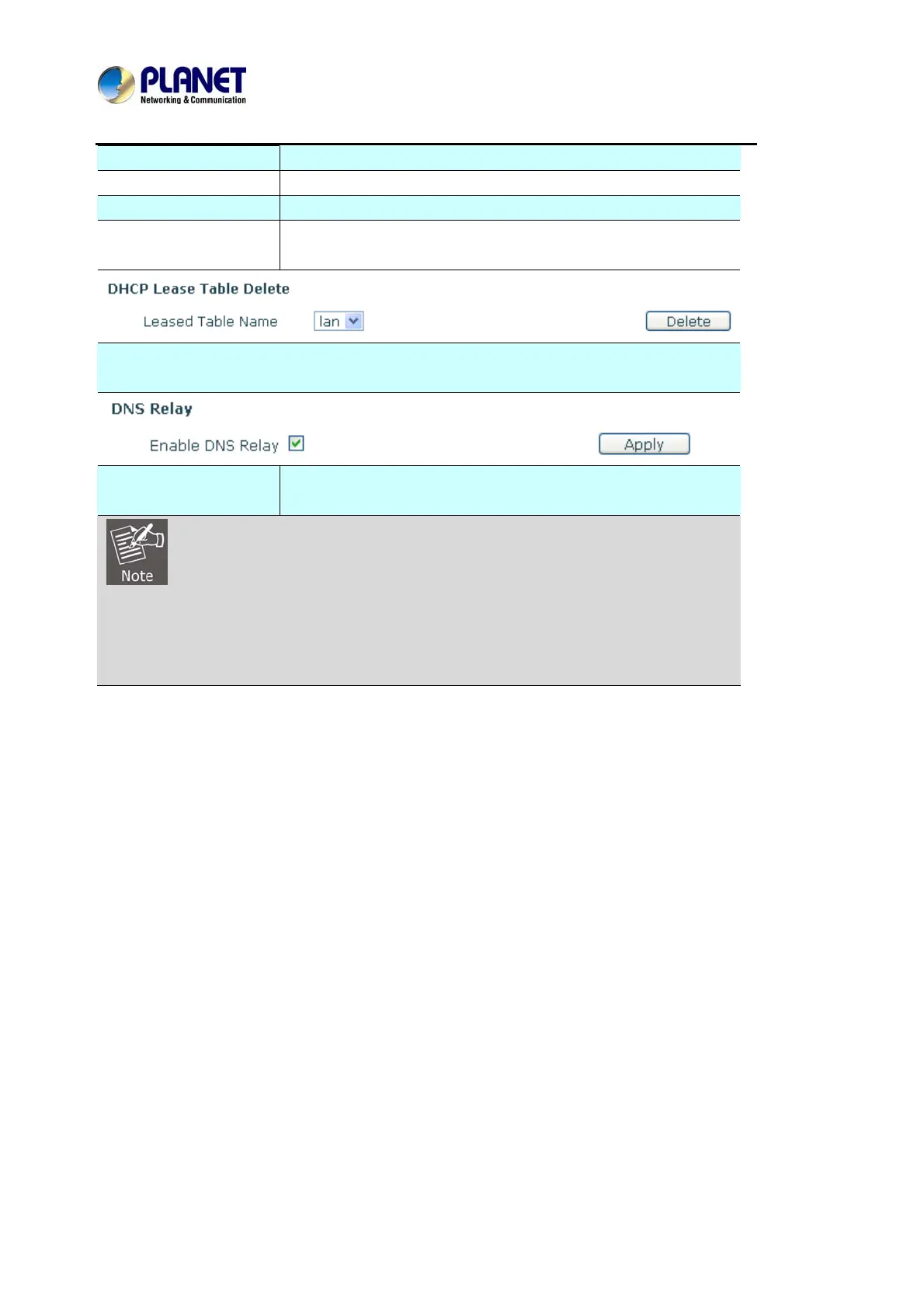
Select name of lease table, click the Delete button will delete the selected lease table from
DHCP lease table.
Enable
DNS Relay
Select DNS Relay, the default is enabled. Click the Apply button
to become effective.
1) The size of lease table cannot be larger than the quantity of C network IP address. We
recommend User to use the default lease table and not to modify it.
2) If User modifies the DHCP lease table, User needs to save the configuration and
reboot.
8.3.2.6 TIME&DATE
Setting time zone and SNTP (Simple Network Time Protocol) server according to User location,
User can also manually adjust date and time in this web page.



 To Next Page