Enterprise HD PoE IP Phone
VIP-2020PT
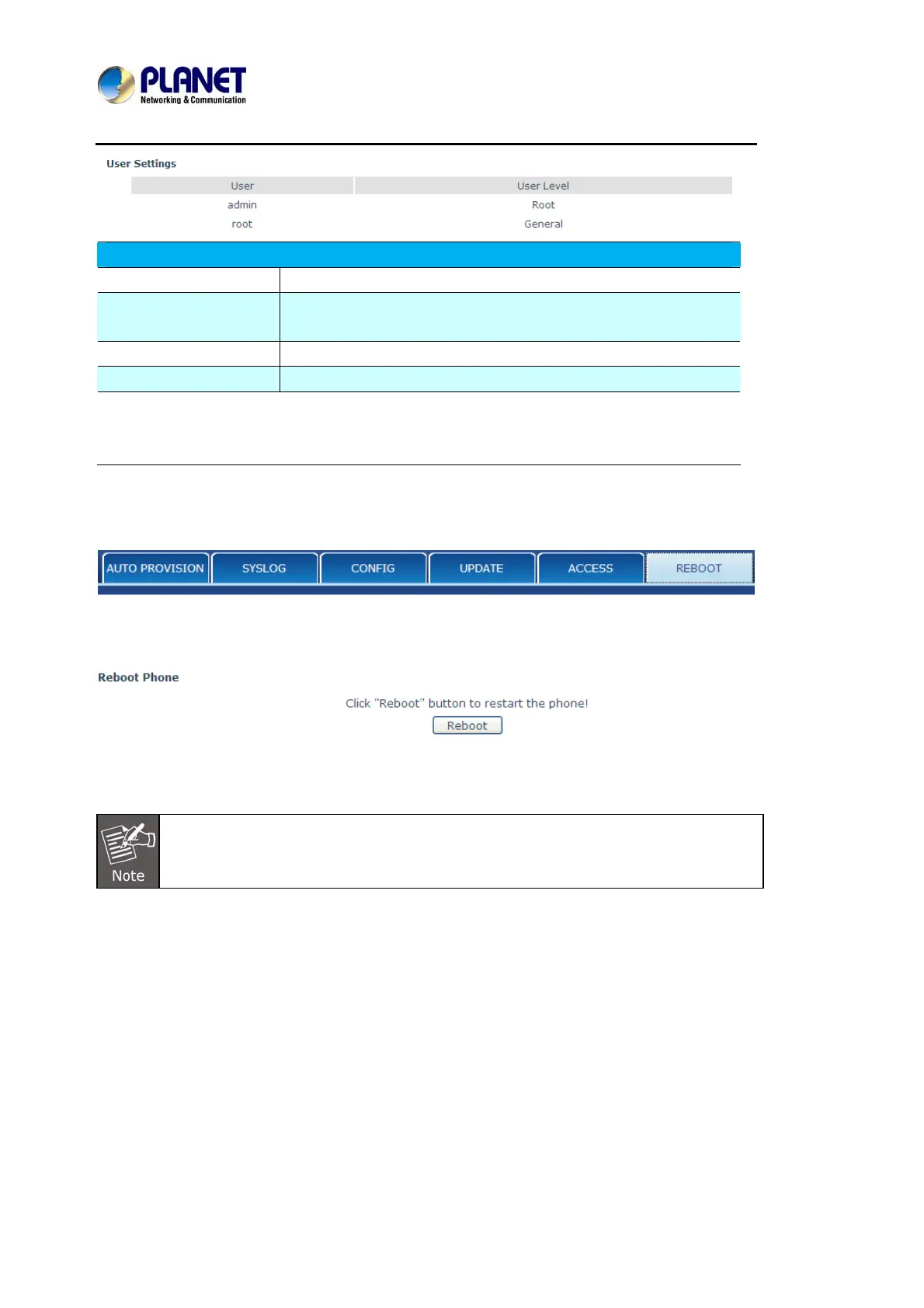
This table shows the current user existed.
User Set account user name.
User Level
Set user level, Root user has the right to modify configuration,
General can only read.
Password Set the password.
Confirm Confirm the password.
Select the account and click the Modify to modify the selected account, and click the
Delete to delete the selected account.
General user only can add the user whose level is General.
8.3.6.6 REBOOT
If User modified some configurations which need the phone’s reboot to be effective, User need
click the Reboot, then the phone will reboot immediately.
Before reboot, User needs to confirm that User has saved all configurations.



 To Next Page