10
8. AP Discovery through PLANET NMS Controller
(NMS-500/NMS-1000V)
The WDAP-C3000AX is the Smart AP series which can be centrally managed
by PLANET NMS Controller.
Follow the steps below to discover the managed AP through PLANET NMS
controller (NMS-500/NMS-1000V). Please ensure each managed AP uses
a dierent static IP in the same subnet before physically connecting to the
managed network.
***Please regularly checkPLANET websitefor thelatestcompatible listof the
controller/managedAPsineachrmwareversion.
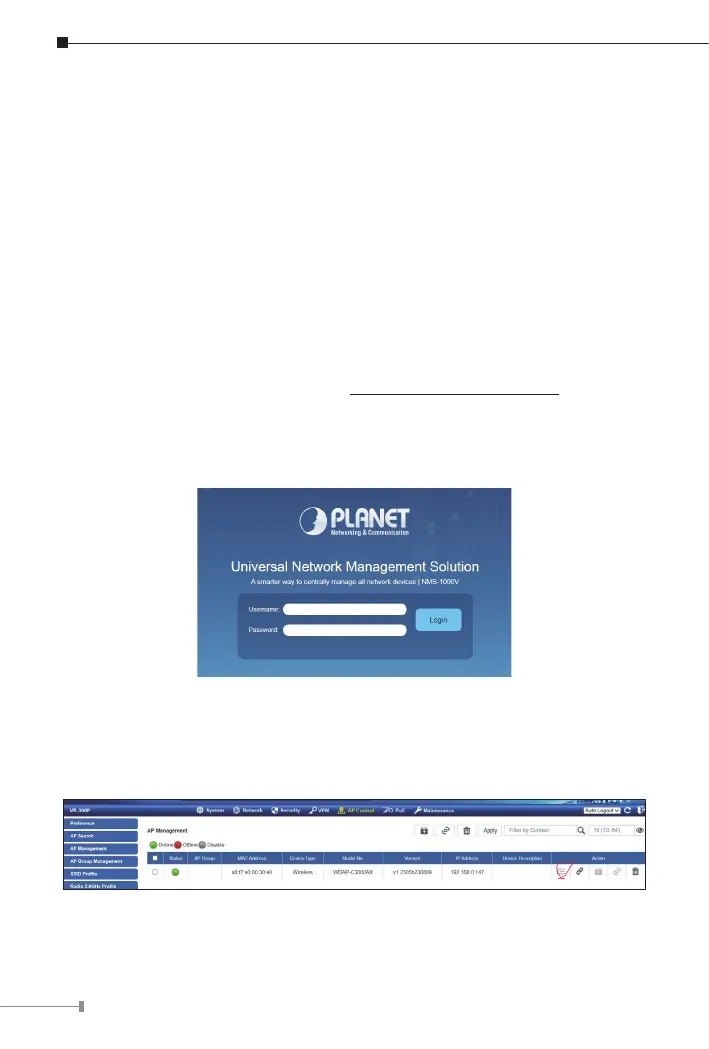
Step 1: Launch the Web browser (Google Chrome is recommended.) and
enter the default IP address https://192.168.1.100:8888 of the NMS
controller. Then, enter the default username and password “admin”
to log on to the system.
*ThesecureloginwithSSL(HTTPS)prexisrequired.
Step 2: Go to the “Domain” page to discover and add the managed AP
to the device list. Then, you can go to the “AP Control-> AP
Management” page to congure pre-dened proles to the managed
APwithoutloggingontotheAP’swebpage.
For information about further conguration of Managed AP by using PLANET
SmartAP Control,referto thecongurationguideoftheNMS controller(NMS-
500/NMS-1000V).


 To Next Page
 Loading...











