9
7. Wireless Network Connection
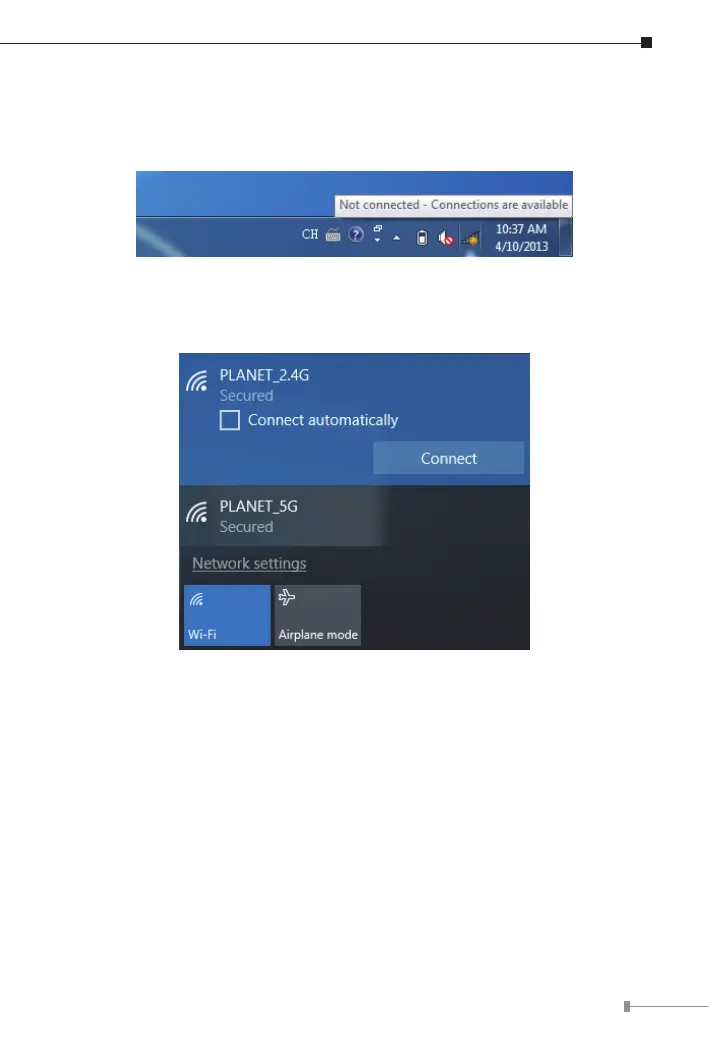
Step 1: Right-click on the network icondisplayedinthesystemtray.
Step 2: Highlight the wireless network (SSID) to connect and click the
[Connect] button.
Step 3: Enter the encryption keyoftheWDAP-C3000AXifnecessary.
You have already nished the conguration of the WDAP-C3000AX. Now you
canuse yoursmartphone, tablet,laptop,or anyotherWi-Fi deviceto connect
withitwirelesslyandstartsurngtheinternet.


 To Next Page
 Loading...











