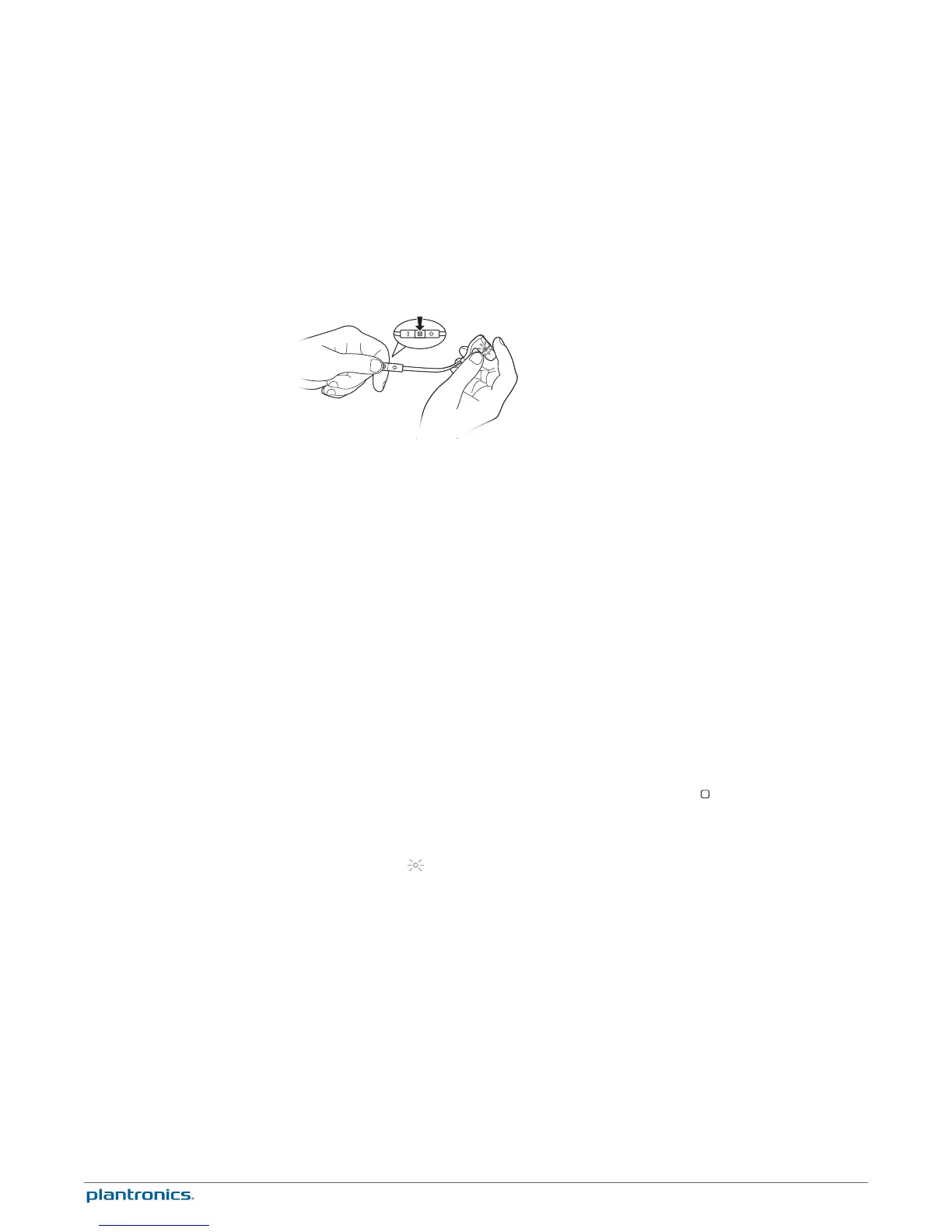
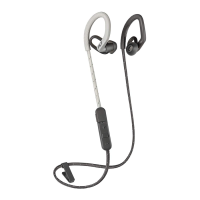
The first time you power on your earbuds, it begins the pairing process.
1
Power on the earbuds. The indicator light, located on the right earbud, flashes red and blue to
indicate pairing mode.
2
Activate Bluetooth
®
on your phone and set it to search for new devices.
•
iPhone* Settings > General > Bluetooth > On
•
Android
™
Smartphones* Settings > Wireless & Networks > Bluetooth: On > Scan for devices
NOTE * Menus may vary by device.
3
Select “PLT_BBTGO2.”
If necessary, enter four zeros (0000) for the passcode or accept the connection.
Once successfully paired, you hear “pairing successful” and the earbud indicator light stops
flashing.
NOTE To enter pairing mode after the first pairing process, start with the earbuds powered off and
then press and hold the Audio/call button until you hear "pairing."
After pairing your earbuds to your phone, you may want to pair another phone or device, such
as a tablet. You can pair and remember up to eight devices, supporting Handsfree and Advanced
Audio Distribution (A2DP) profiles.
1
Put the earbuds in pairing mode. Choose:
• With the earbuds powered off, press and hold the Audio/call button
until you hear "pairing" or
• With the earbuds powered on and not during a call, press and hold the volume up (+) and
volume down (–) buttons until you hear "pairing"
The indicator light
, on the right earbud, flashes red and blue to indicate pairing mode.
2
Activate Bluetooth on your phone and set it to search for new devices.
3
Select “PLT_BBTGO2.”
If necessary, enter four zeros (0000) for the passcode or accept the connection.
Once successfully paired, you hear “pairing successful” and the headset indicator lights stop
flashing.
When you have more than one device paired to your earbuds, multi-connectivity allows you to
toggle the connection between the devices from the Bluetooth device list of your phone/music
device (The earbuds can only be connected to one device at a time.).
For example, if you are connected to a tablet and are finished listening to music and want to
switch to one of your other paired phone/music devices, then do the following:
1
Go to the paired device list in your Bluetooth settings menu on your phone.
2
Select "PLT_BBTGO2."
Pair
Get Paired
Pair another device
Multi-connectivity
7







 To Next Page