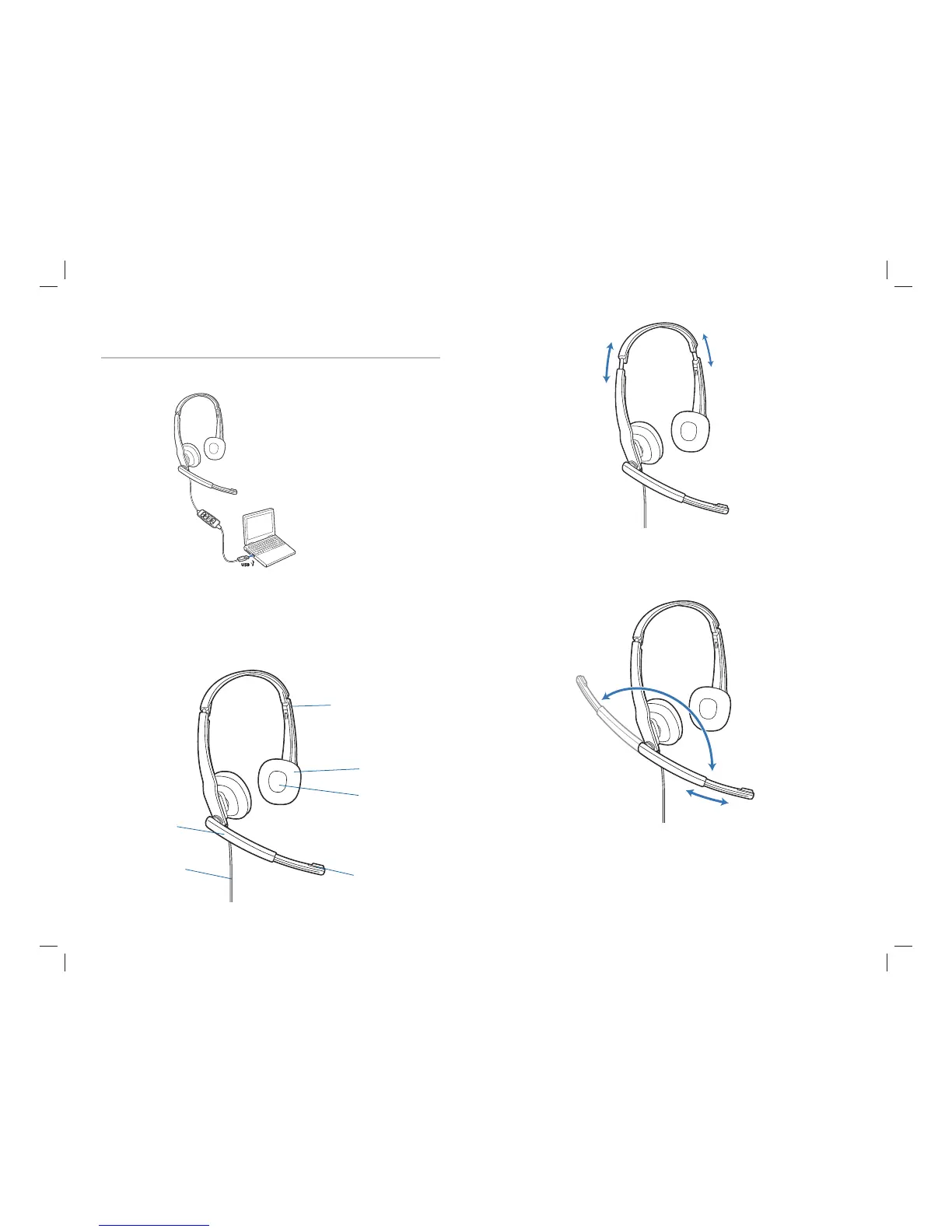
Powering On
Powering on the Blackwire C210-M and C220-M
The USB headset is automatically powered on when inserted into the USB port of the
computer.
2. Adjust the Headband
2.1 Lengthen or shorten the band until it fits comfortably. The foam cushions
should sit comfortably over the centre of your ears.
2.1
2
4 5
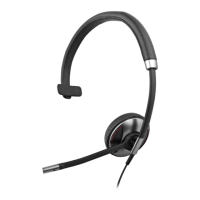
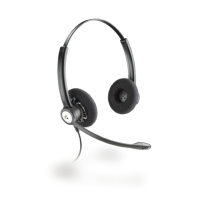
Headset Features
1
Adjustable Headband
Receiver
Headset Cord
Ear Cushion
Boom
Noise-Cancelling
Microphone
3. Adjust the Boom and Microphone
3.1 Rotate the boom so it is aligned with your mouth.
3.2 Shorten or lengthen the microphone so it is approximately two finger widths
from the corner of your mouth.
3.1
3.2
3



 To Next Page