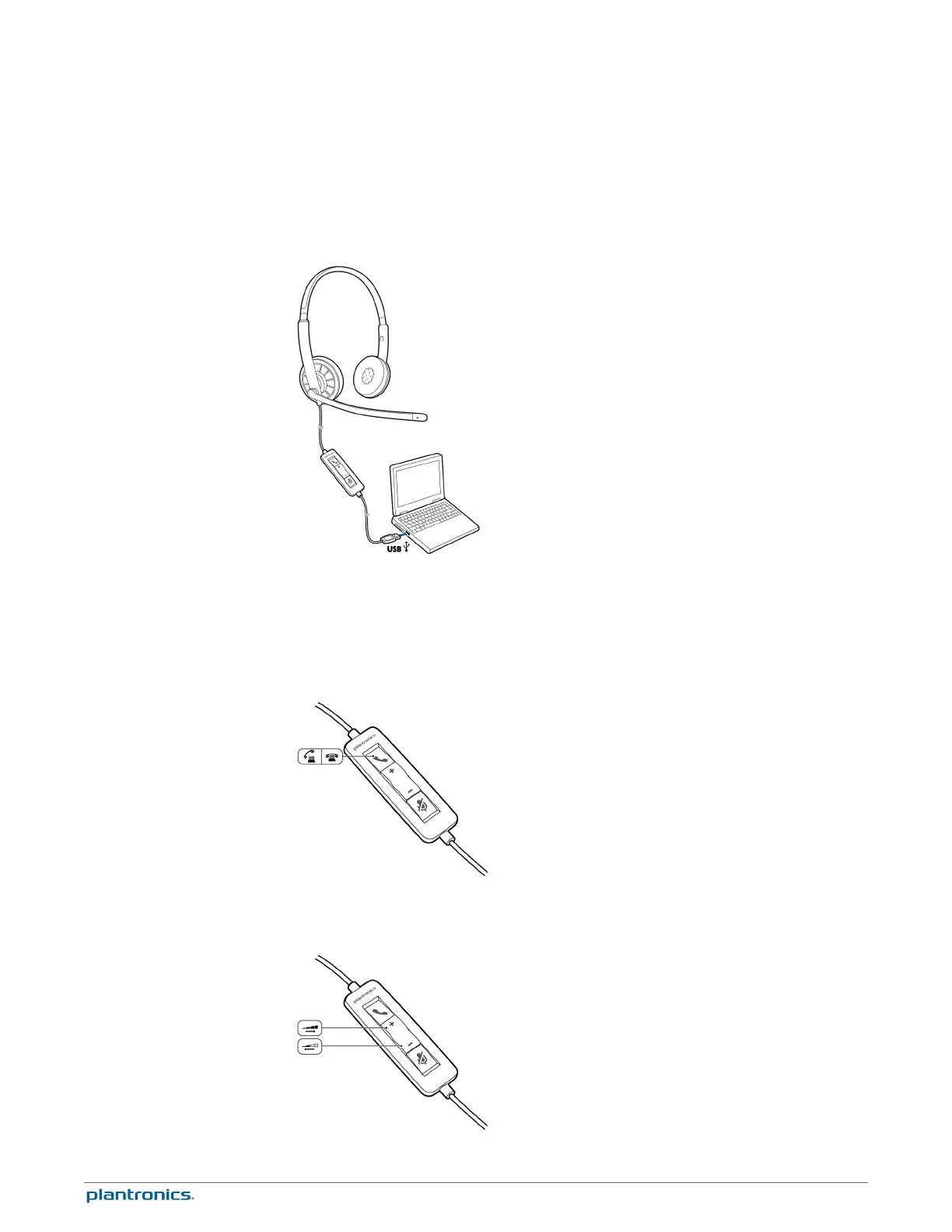
The USB headset is automatically powered on when it is plugged into the USB port of the
computer.
Headset call control is a software feature and dependent on a compatible softphone. If you do
not install the software or do not have a compatible softphone, press the headset call button
first and then answer/end/place the call using the softphone application. Visit
plantronics.com/software for more information.
1
Incoming Calls Press the answer/end button on the headset inline control to answer or end a
call.
2
Outgoing Calls Dial the phone number with your softphone application to make an outgoing
call.
Daily Use
Headset Power
Incoming/Outgoing Calls
Adjust Your Headset
Volume
8





 To Next Page