10
NOTE For detailed pairing instructions for popular mobile phones visit plantronics.com/easytopair
Blackwire C700
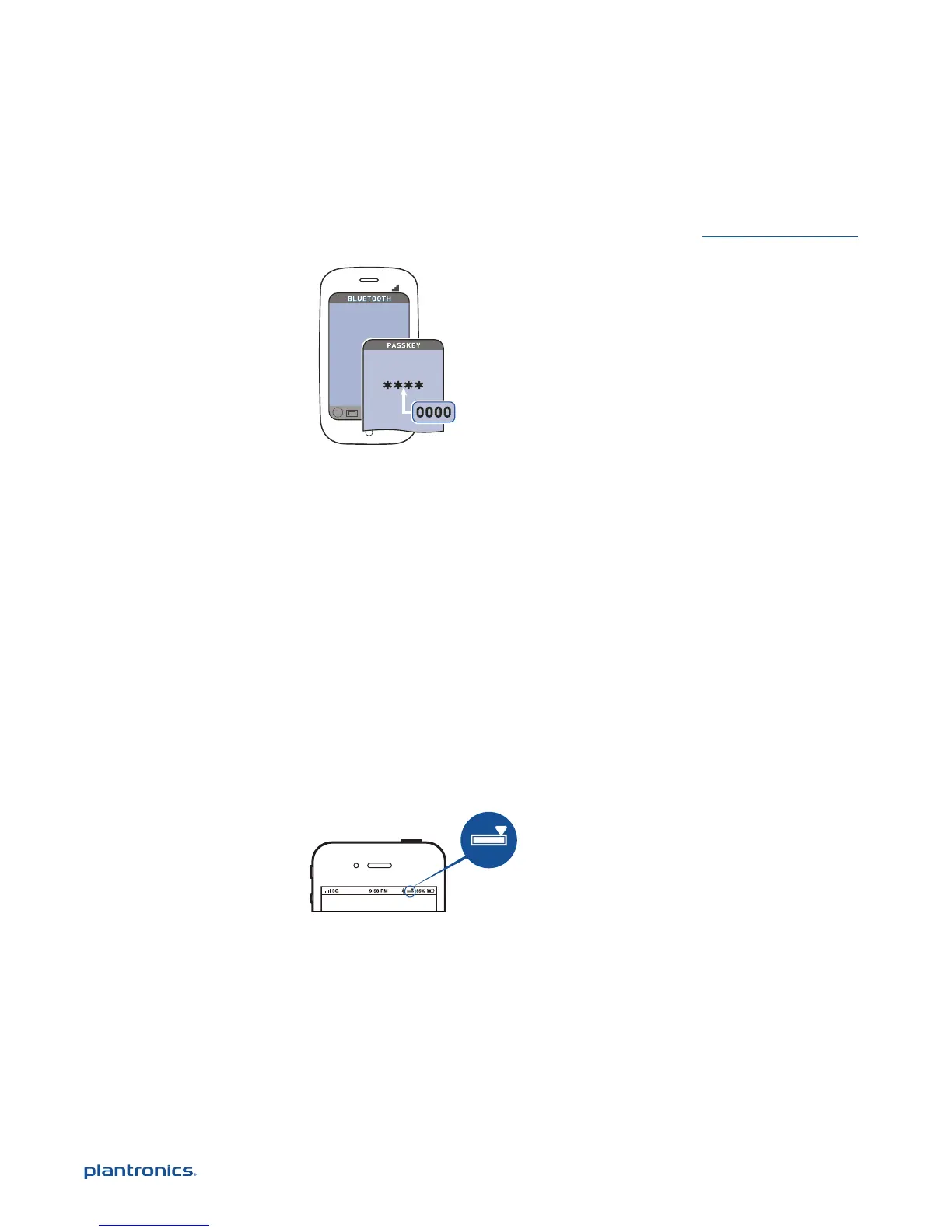
2 If prompted by the mobile phone, type 0000 as the passcode.
The mobile talk button will stop flashing when the headset has an active connection with the
mobile phone.
3 While wearing your headset, make a test call from your mobile phone.
During an active call, the mobile talk button will flash blue.
4 To use the mobile phone away from the PC, disconnect the USB cable from the inline controller.
NOTE When a fully charged headset is disconnected from the PC there is enough power to make
four to five hours of mobile calls before charging is needed. Reconnect the headset to the PC and
the mobile talk button will be solid red when the headset is charging, and off when fully charged.
5 End the call by pressing the mobile talk button.
TIP For iPhone users, the headset battery level is displayed on the iPhone home screen. The headset
must be connected to the iPhone.
The call does not end if you remove your headset without pressing the mobile talk button. See
Advanced features.
NOTE For call control and other features, download Plantronics Spokes software at
plantronics.com/software.







 To Next Page