18
Power On/Subscription LED
Base Status Power On/Subscription LED
Primary headset subscription Flashes white
Primary headset subscribed to base Solid white
Conference call headset subscription Flashes white
Active conference call with guest headsets Flashes white rapidly
Incompatible headset and base Off
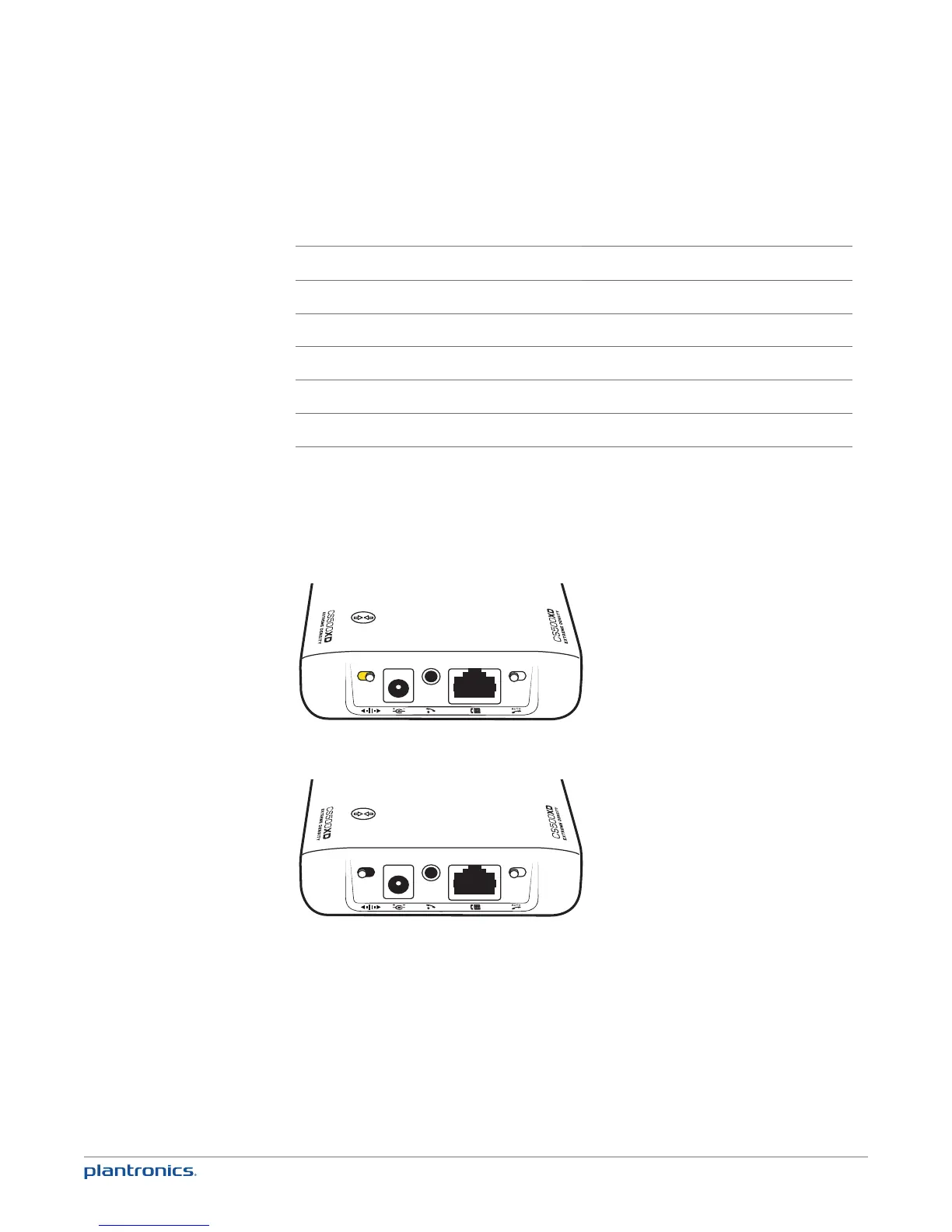
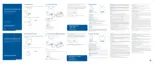
2 Wideband/Narrowband Audio Switch
The CS510-XD/CS520-XD has wideband audio, which allows speech to sound clearer and more
natural. If your desk phone is capable of wideband audio, set the Wideband-Narrowband audio
switch to yellow for wideband.
NOTE: Talk time will be reduced when operating in wideband mode.
Set the switch to black (narrowband) for longer headset battery life or to increase the number
of systems that can work in a small area.









 To Next Page