11
en
Action Light Tone
Turn on the
earpiece
Press the call control button
for 2 seconds.
Glows white. 4 ascending tones.
Turn off the
earpiece
Press the call control button
for 4 seconds.
Glows red. 4 descending tones.
Answer a call Tap the call control button once. Flashes white. Single low tone followed by
low-low-high tones.
NOTE
Wait until you hear the ring in your earpiece to answer the call.
Reject a call and
send caller to
voice mail
Press the call control button
for 2 seconds.
None 1 low tone.
End a call Tap the call control button once. 1 white flash. 1 low tone.
Make a call Enter the phone number on your
phone and press send. The call
automatically transfers to your
paired and connected earpiece.
None Single low tone followed by
low-low-high tones.
Transfer a call
between earpiece
and phone
While on a call, press the call
control button for 2 seconds.
None Single low tone followed by
double low tone.
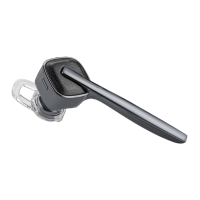
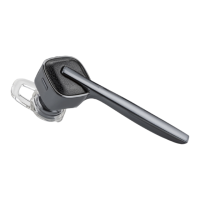
Earpiece Controls and Indicators
DURATION: TAP is under 1 second. PRESS is 1-4 seconds as directed.




 To Next Page