3
en
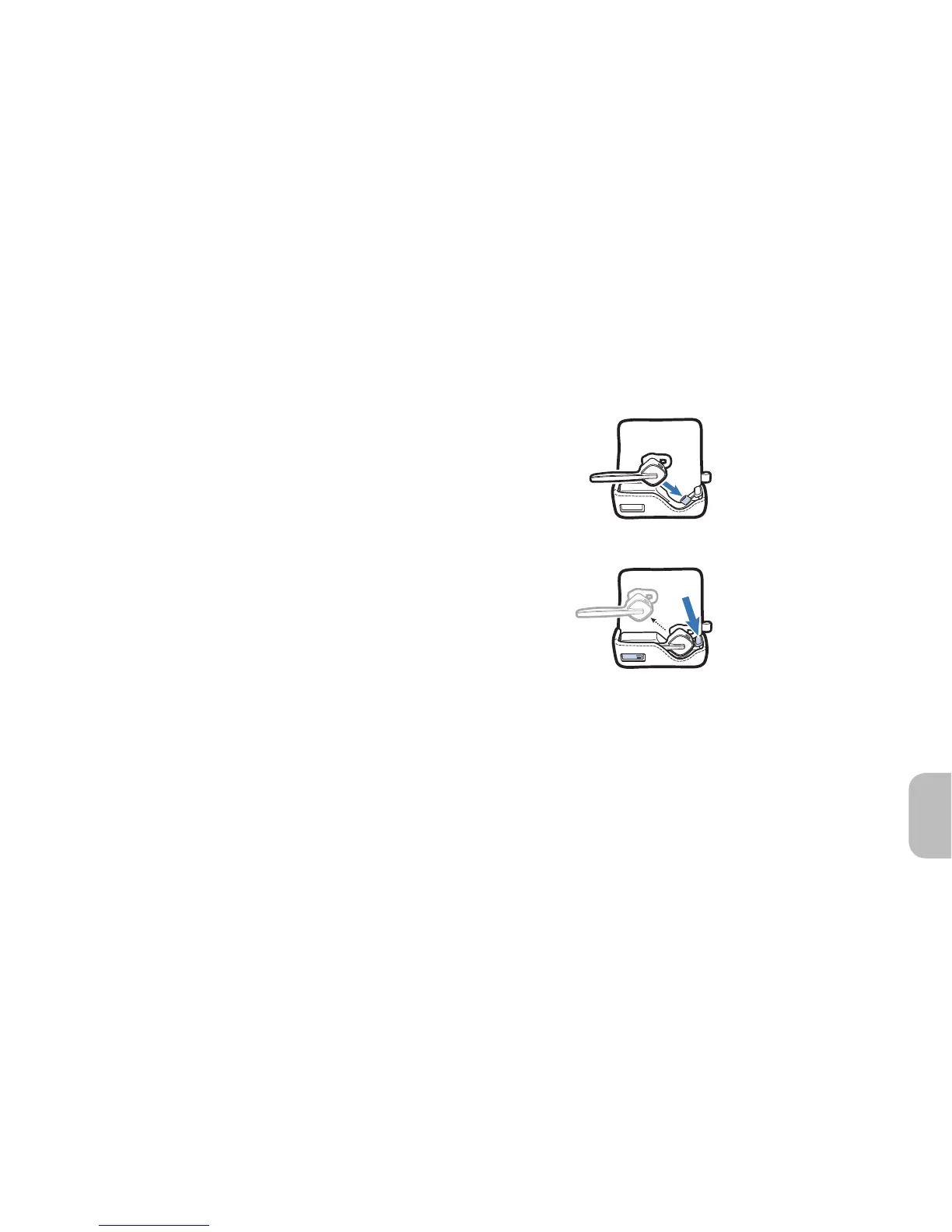
Option B: Using the Charging Case
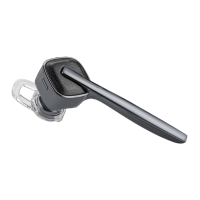
1 Open the cover of the case. Align the
charging jack on the earpiece with the
micro USB connection in the case.
2 Gently push the earpiece onto the micro
USB connection until you feel it click
into place.
3 Once charged, gently press the ejection
button with your thumb to release the
earpiece.
Charging Your Earpiece
1
2
Insert
Eject
Option B




 To Next Page