4
en
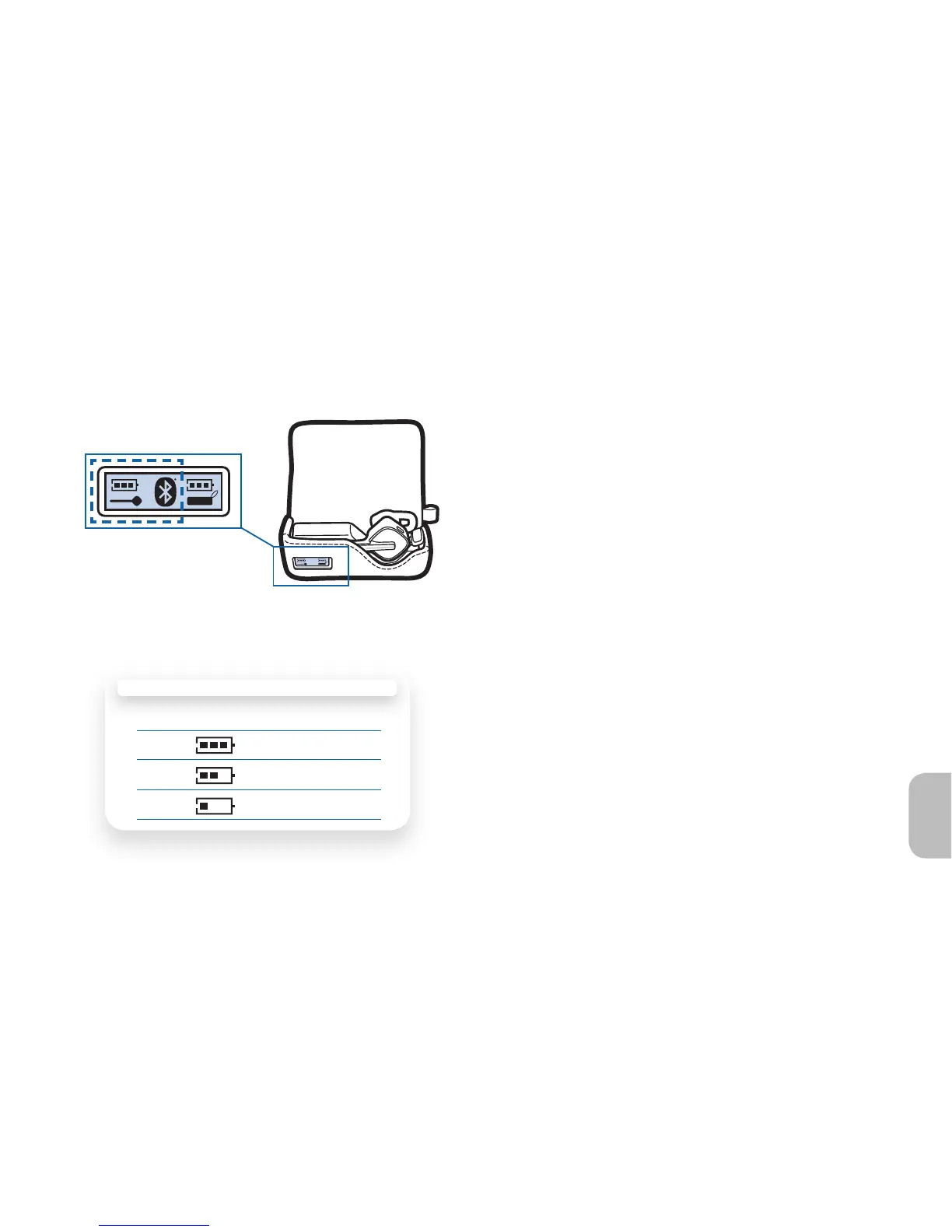
Charging Your Earpiece
OPTION A
Bars Battery Level
3 Full battery
2 1/3 to 2/3 fu l
1 Less than 1/3 full
Checking the Battery Level of Your Earpiece
Option A: The LCD display on the charging case
will indicate battery level of the earpiece when the
earpiece is inserted into case.
NOTE The Bluetooth icon on the case indicates
the earpiece is connected to your phone. You can
receive calls when charging.





 To Next Page