5
en
Charging Your Earpiece
OPTION B
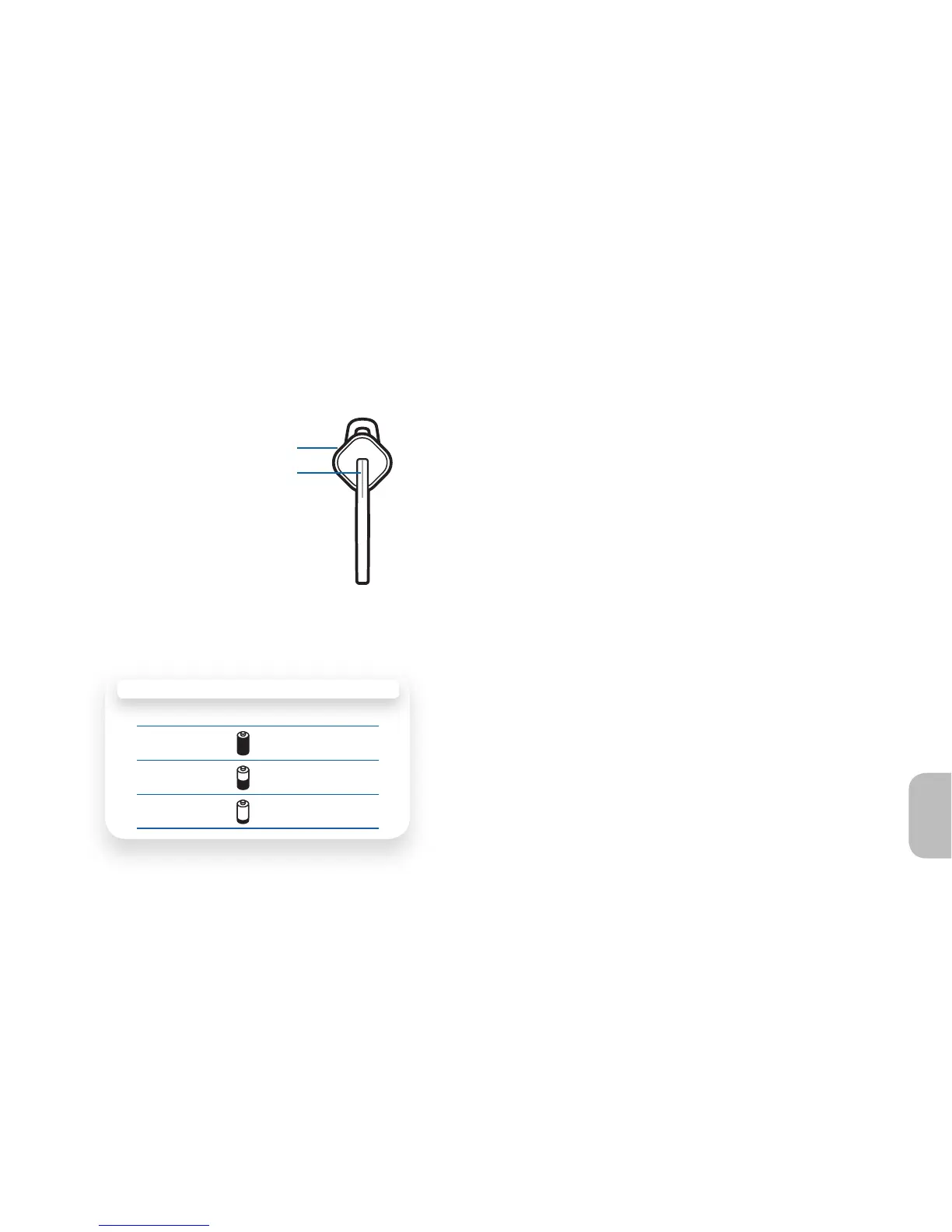
Red Flashes Battery Level
✳
More than 2/3 full
✳ ✳
1/3 to 2/3 full
✳ ✳ ✳
Less than 1/3 full
Volume Button
Call Control Button/Indicator
Checking the Battery Level of Your Earpiece
Option B: With the earpiece powered on,
simultaneously press and hold the call control
button and the volume button for about 2
seconds. The indicator light fl ashes red to show
the charge level.





 To Next Page