Virtual Communications Express
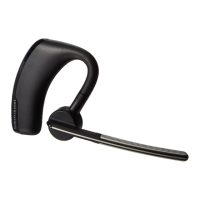
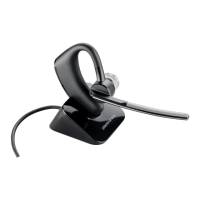
Plantronics Legend UC Bluetooth Headset
2
Pair another Phone
After pairing your headset to your phone, you may want to pair another or new phone.
1. Power on your headset, and then:
• Tap and say Pair Mode, or
• Press and hold until you hear Pairing.
2. While the headset LEDs are flashing red and blue, activate Bluetooth® on your phone and set it to
search for new devices.
3. Select PLT_Legend.
4. Once successfully paired, the LEDs stop flashing red and blue and you hear Pairing Successful.
NOTE: Some phones may prompt you to allow access to contacts to enable caller name announcement.





 To Next Page