Virtual Communications Express
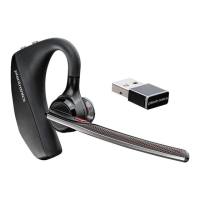
Plantronics Legend UC Bluetooth Headset
5
Fit Your Headset
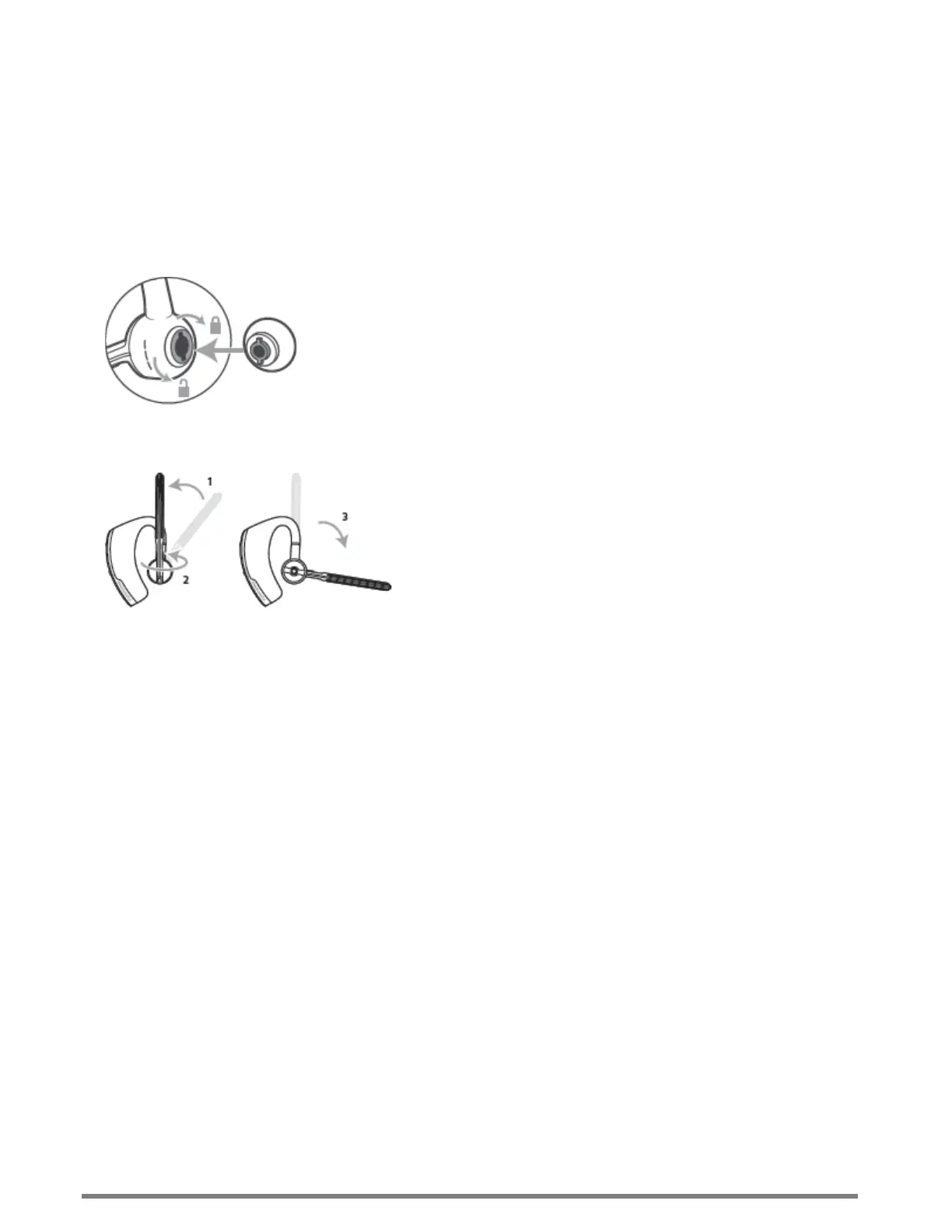
Replace the ear tip for a better fit.
1. Push in the ear tip and rotate it to the left to unlock it.
2. Align the new ear tip in the slot.
3. Push in the ear tip and rotate it to the right to lock it in place.
To wear the headset on your other ear, rotate the boom upwards then twist it around so the ear tip is on the
other side before lowering the boom.





 To Next Page