Virtual Communications Express
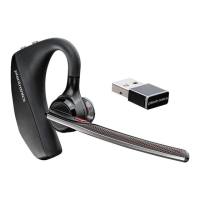
Plantronics Legend UC Bluetooth Headset
6
Use and Reset Smart Sensors
Use Sensors
Smart Sensors react when you put on or take off your headset.
Putting on your headset will:
• Answer an incoming call
• Transfer an active call from your phone (available only with your mobile phone)
• Resume streaming audio
Taking off your headset will:
• Transfer an active call to your phone handset (available only with your mobile phone)
• Pause streaming audio
• Lock the Call button to prevent accidental calls
Try Voice Commands
Tap , wait for the command request, and then say a command. For example, “What can I say?” tells you
the full list of available commands.
Reset Sensors
You may need to reset the sensors if they are not working as expected. Wearing the headset, tap the Call
button to test sensors:
• Talk time voice alert indicates sensors are working
• A tone indicates sensors need to be reset
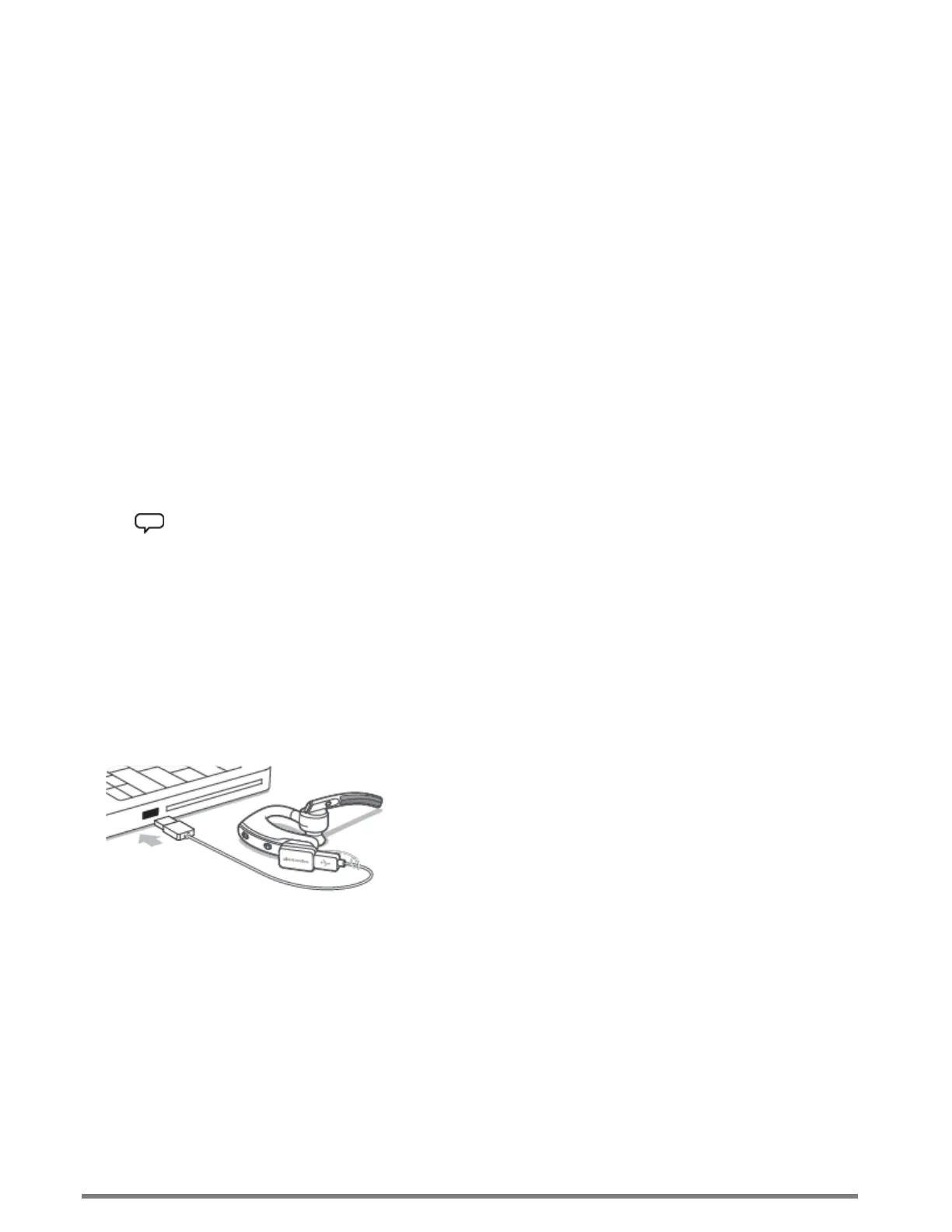
To reset the sensors, charge your headset and place on a flat nonmetallic surface for more than 10 seconds.





 To Next Page