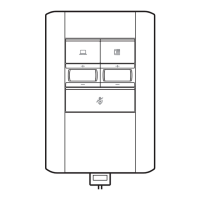
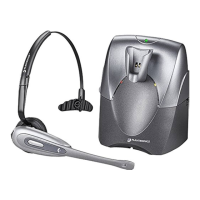
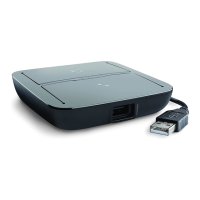
1 Connect the USB cable from the MDA220 to the computer. The computer talk button LED will be
solid green.
2 While wearing headset, dial test call from computer softphone.
3 End call by pressing the computer talk button on the MDA220.
NOTE To use the call feature with a softphone on th PC you will need to install Plantronics Hub. See
plantronics.com/software
Computer: Connect and Call
Connect Your Computer
and Place a Call
12


 To Next Page