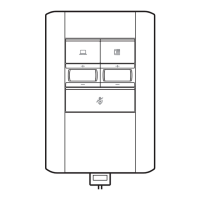
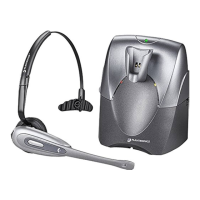
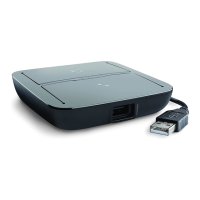
There are three options for connecting the MDA220 to your desk phone.
• Desk Phone (standard)
• Desk phone + HL10 lifter and power supply (sold separately)
• Desk phone + EHS cable (sold separately)
NOTE If you will be using Desk phone (standard) or Desk phone +HL10 lifter and power supply
continue below. If you will be using the Desk Phone + EHS cable, refer to EHS Getting Started guide
that came with your EHS cable or at plantronics.com/accessories for installation instructions.
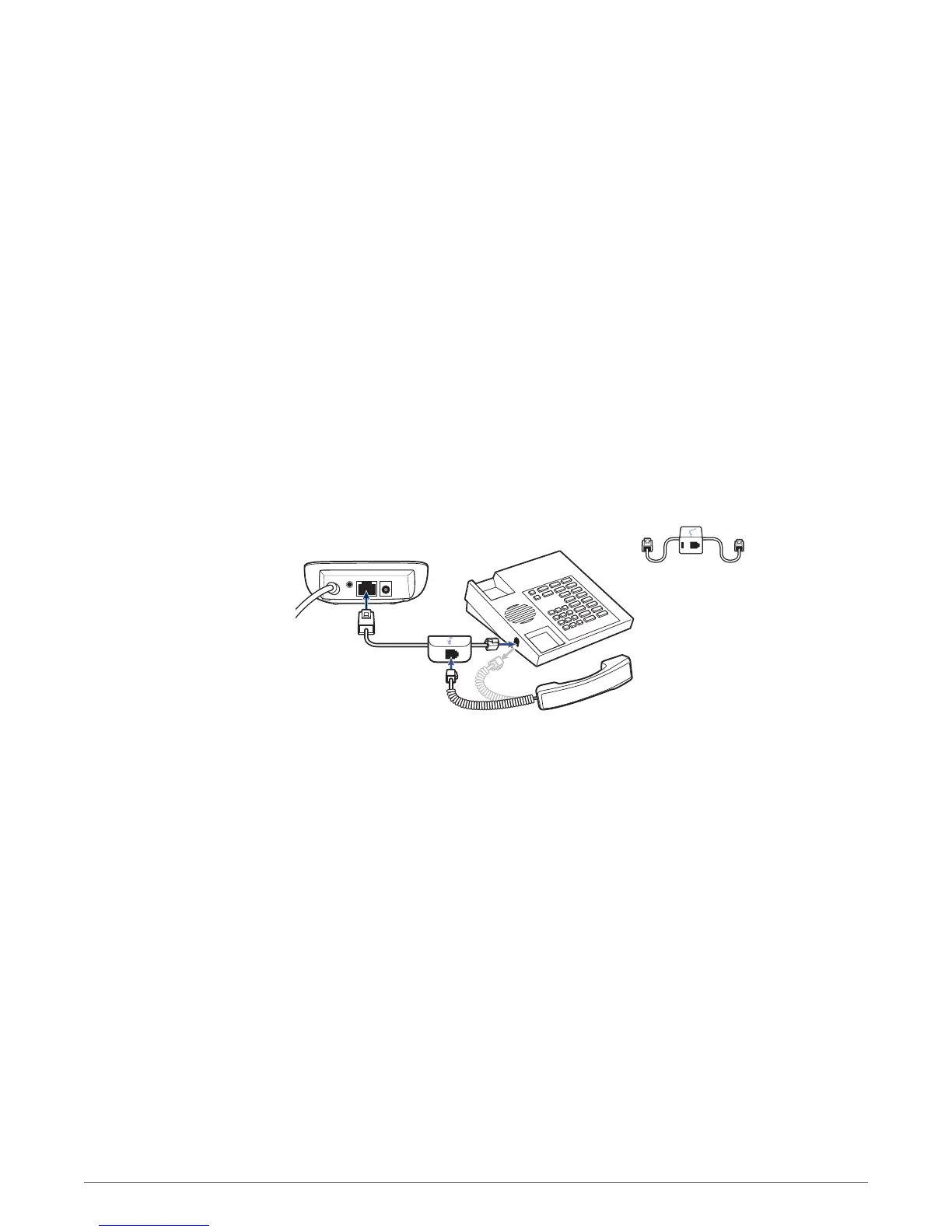
1 Connect one end of the telephone interface cable to the back of the switcher.
2 Disconnect the handset coil cord from the base of the desk phone and re-connect it to the
telephone interface cable junction box.
3 Connect the remaining end of the telephone interface cable into the open handset port on the desk
phone.
Your desk phone handset will continue to work; it’s just hooked up differently.
NOTE If your phone has a built-in headset port, you should only use the headset port if you will not be
using the HL10 lifter. In this configuration, you must press both the headset button on your phone and
the call button on the headset to answer or end calls
Desk Phone: Connect and Call
Desk Phone (standard)
8


 To Next Page