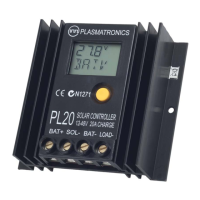
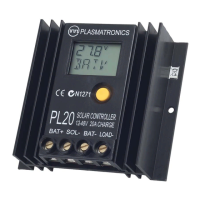
BOST EQUL ABSB FLOT
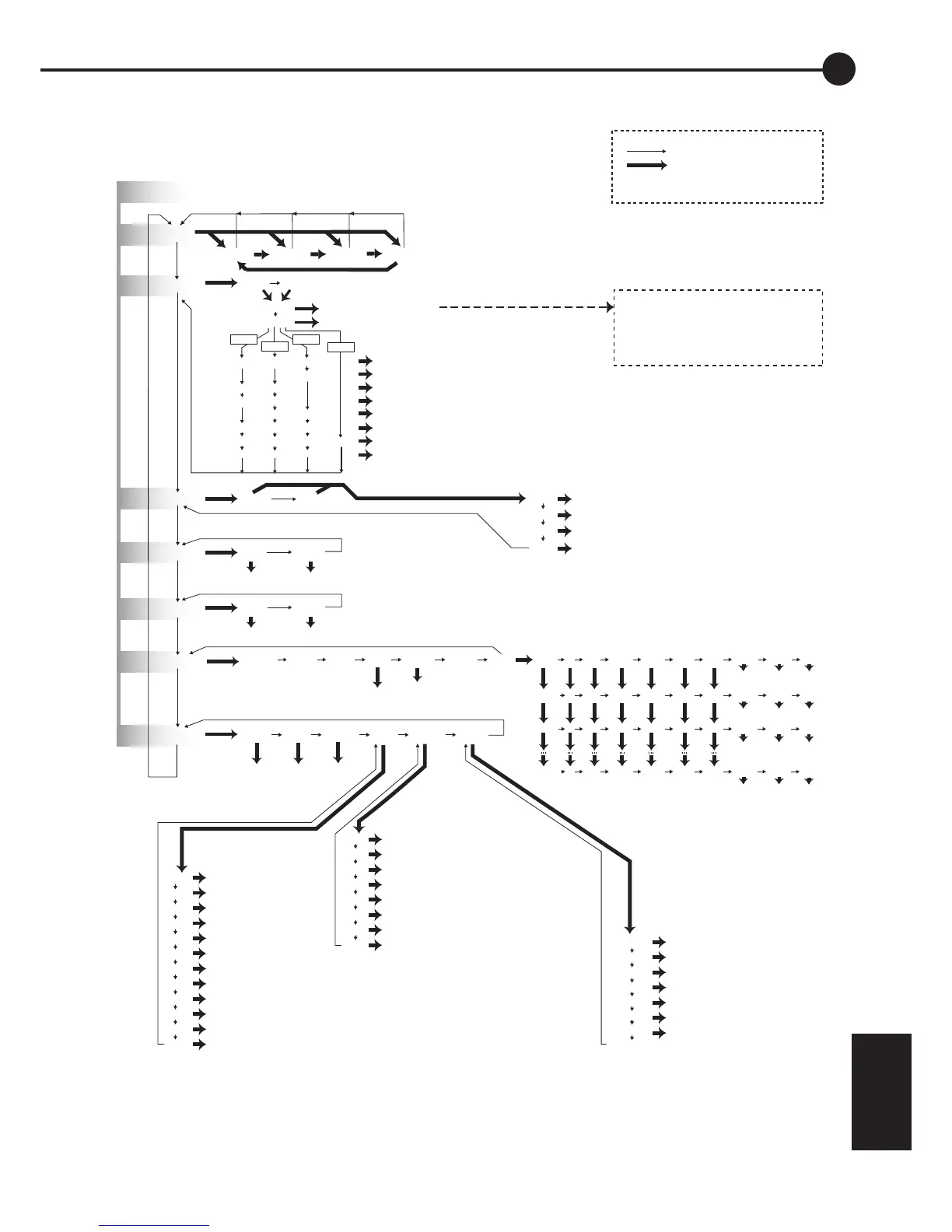
Program 4 Menu System
(For custom settings)
Set
time
Set
battery
voltage
TIME VOLT PROG REG MODE EVNT
VMAX VMIN TEMP SOLV HIST
BMAX
EMAX
ETIM
EFRQ
ABSV
ATIM
FLTV
HYST
BRTN
Set max boost voltage
Set max equalisation voltage
Set equalisation time
Set # days between eq. cycles
Set absorbtion voltage
Set absorbtion time
Set float voltage
Set hysteresis
Set boost return voltage
CHRG Set charge current limit
BFRQ Set max days to between boost cycles
TCMP Set temp compensation profile
FTIM
SOC
BATV
Set
program
CHRG
LOAD
IN
OUT
DATA
SET
Toggle function status on/off
Set generator control mode
G ON
GOFF
GDEL
GEXD
GRUN
GDAY
3
G ON
GOFF
GDEL
GEXD
GRUN
GDAY
SOC%
1 or 5
GOFF
GEXD
GRUN
GDAY
SOC%
G ON
CINT CEXT
GSET
GMOD
2 or 6
0 or 4
GRUN
Set V/SOC% to start generator
Set V/SOC% to stop generator
Set V to stop generator
State delay before on/off change
State of Change (SOC) Long push to reset (100%)
Set number of days between generator exercises
Set length of generator exercise
View change # of days since last exercise
(or run time if generator running)
LINT
LEXT
LSET
LOFF
LON
LDEL
Toggle low battery disconnect status on/off
Set voltage at which load disconnects
Set voltage at which load reconnects
Set delay before switching
INT EXT
Clear
Clear
INT EXT
Clear
Clear
Toggle setting lockout
(‘A’ showing means
settings adjustable)
LSET Set function of LOAD terminal
GSET Set function of general purpose terminal (G)
BSET Set function of B- input
BAT2 Set Regulation voltage for 2nd battery control
PWM Set which terminals use Pulse width Modulation
BCAP Set amp Hour capacity of the battery
ALRM Set voltage at which to activate alarm
RSET Reset system (losing today’s data and time)
STRT
(Setting)
STOP
(Setting)
EMOD
TMOD
(Setting)
EOFF / EON
Set what determines start of Event
Set value which goes with STRT
Set what stops Event
Set value which goes with STOP
Set second condition for Event
Set third condition for Event
Sert value which goes with TMOD
View current state of Event Controller
Long push to reset
(100%)
Note:
GSET will not toggle if clock is
between 9pm -> 9am (Quiet
time) unless GMOD is set to
4, 5 or 6 (no-Quiet time)
Thin arrow = short push
Thick arrow = long push
(Explained in User Guide p6)
1.
2.
3.
4.
5.
6.
7.
Section
DAY 1 IN OUT VMAX VMIN FTIM SOC NEXT BACK EXIT
DAY 2 IN OUT VMAX VMIN
VMIN
VMIN
FTIM
FTIM
FTIM
SOC
SOC
SOC
NEXT
NEXT
NEXT
BACK
BACK
BACK
EXIT
DAY 2
DAY 2
DAY 30 DATA
DATA
DATA
EXIT
EXIT
IN
IN
OUT
OUT
VMAX
VMAX
DAY 3
DAY 3
DAY 30
DAY 4
DAY 1
DATA
DAY 1 DAY 29


 To Next Page