8
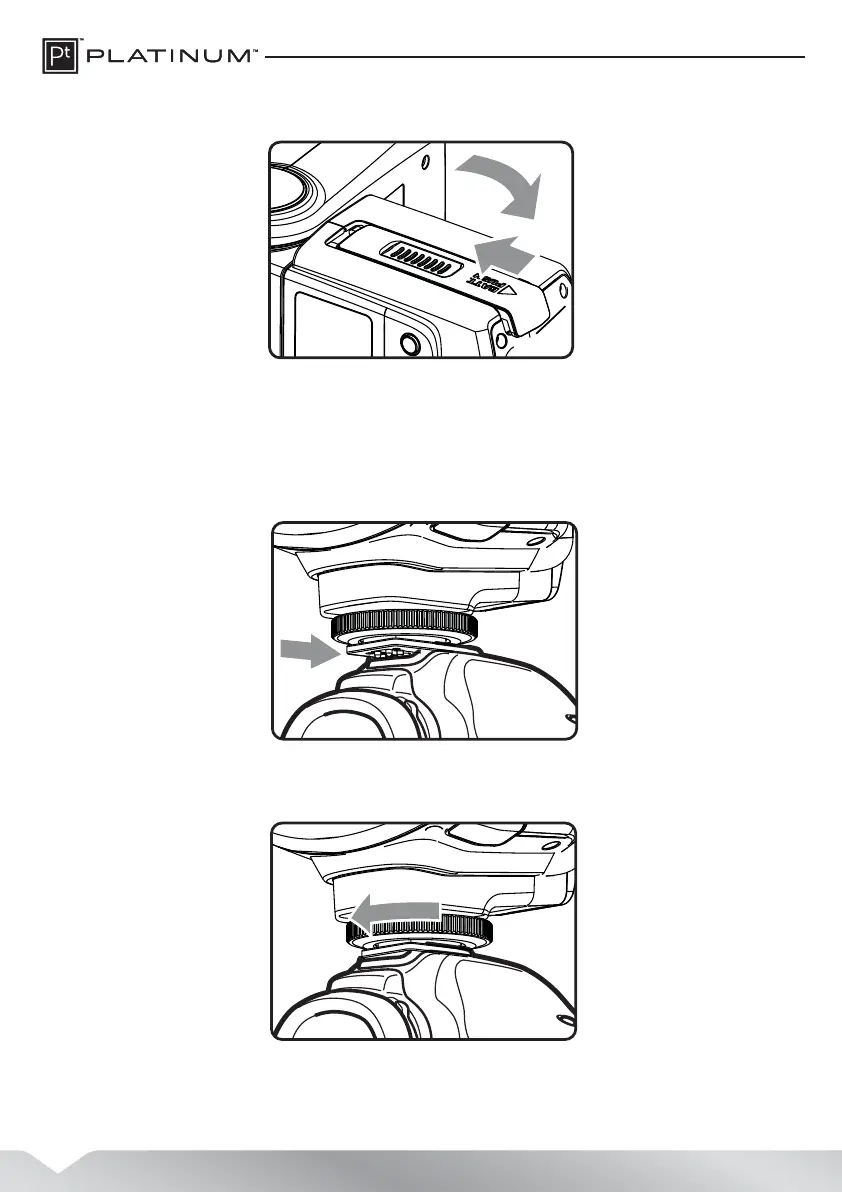
3 Close the battery compartment cover and slide it into place.
Attaching and removing the flash
1 Turn the camera and the flash off.
2 With the flash facing toward the front of the camera, slide the flash’s mounting
foot all the way into the camera’s hot shoe.
3 Rotate the locking knob on the mounting foot until it’s tight. Do not
overtighten.
PT-DFLEXT1N_14-0805_MAN_V2_ENG.fm Page 8 Friday, August 22, 2014 12:36 PM



 To Next Page