09
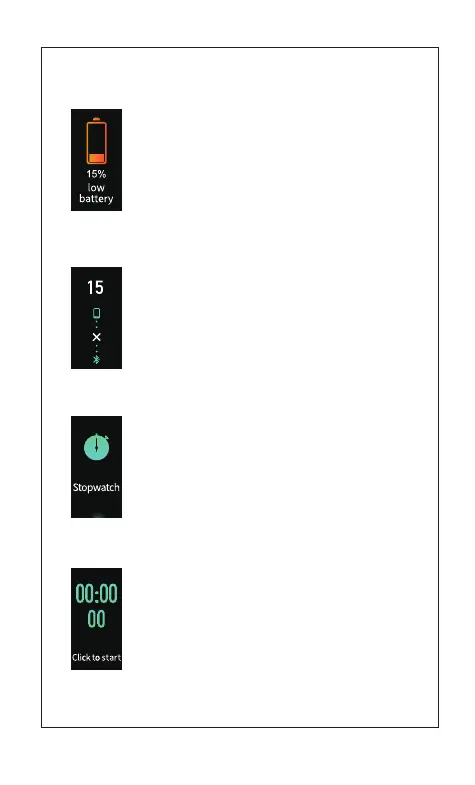
4)Reminder of inaccessible sport mode for low-battery
[Click the touch key] to accept the inaccessible sports
mode for low-battery
Note: The reminder will occur when a user tried to start
the sports mode with the battery of device is in low.
The reminder will be available soon
5) Abnormal operation during sports
[Click the touch key] to quit from the reminder
waiting mode
1.5 Stopwatch mode
[Click the touch key]:
If setting in APP and synchronizing the alarm clock,
it will enter alarm clock mode. Otherwise, it will enter
time mode.
[Press and hold the touch key for 2s]:
Enter stopwatch timekeeping ready mode
1.5.1 Stopwatch timekeeping ready mode
[Click the touch key]:
Enter stopwatch timekeeping mode
[Press and hold the touch key for 2s]:
Return to stopwatch mode



 To Next Page