10
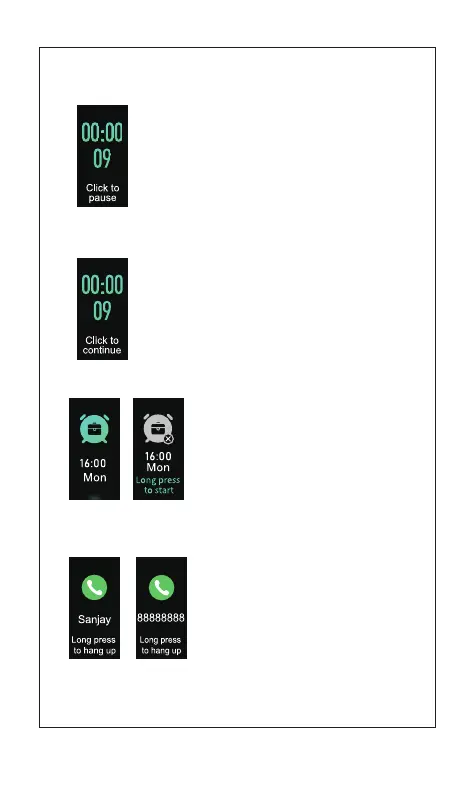
1)Call Reminder
[Click the touch key]:
Enter stopwatch timekeeping pause mode
[Press and hold the touch key for 2s]:
Return to stopwatch mode
1.5.2 Stopwatch timekeeping mode
[Click the touch key]:
Enter stopwatch timekeeping mode
[Press and hold the touch key for 2s]:
Return to stopwatch mode
1.5.3 Stopwatch timekeeping pause mode
Alarm Clock: The relevant settings need
to done in the App.
[Click the touch key] Return to time mode
on off
1.6 Alarm Clock
2. More modes of reminders
Note: The call reminder in the App needs to be set open.
Click the touch key to remove the call
reminder Press and hold the touch key
to hang up the call



 To Next Page