11
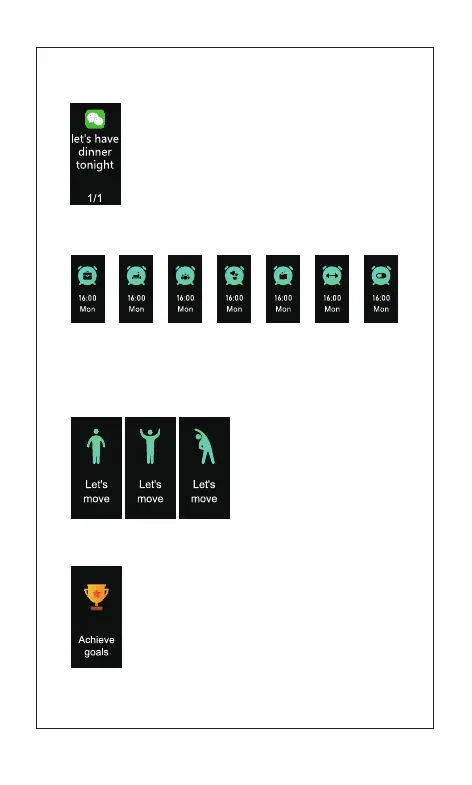
3)Alarm Clock
4) Sedentary Alert
5) Target completion reminder
Sedentary Alert:
The relevant settings need to done
in the App..
Click the touch key: It will remove
the reminder.
When some goals are achieved, shake the wrist
strap to get the interface of target completion reminder
displayed Click the
touch key to quit from the reminder
2)Message Reminder
In case of pages of messages, Click the touch key
to read the remained ones.
Note: The relevant settings need to done
in the App.
Wake up Medicine takingSleepingParty Appointment ExerciseMeeting
Alarm Clock Mode: The relevant settings need to done in the App..



 To Next Page