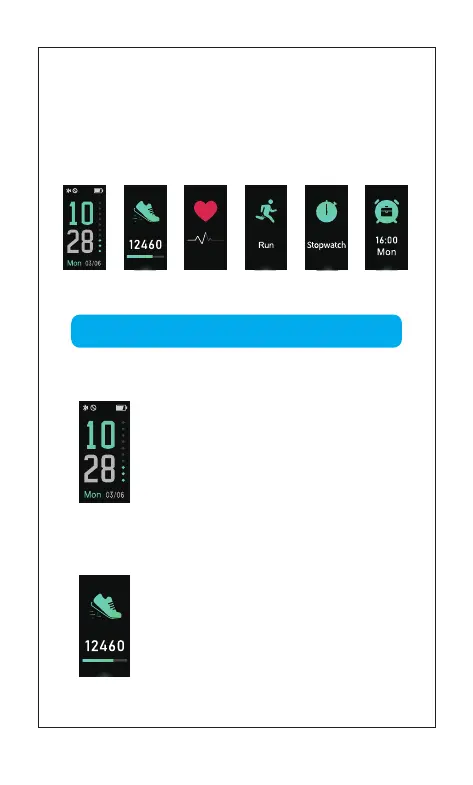
Time Sports ModeData Mode
Alarm Clock
Mode
Heart Rate
Mode
4 Interface
Click the touch key to display successively
Automatic heart rate Monitoring is ON as default, monitor Heart Rate
all the day automatically.
3. Heart Rate Monitoring
[Click the touch key] to enter the next mode:
Heart Rate Mode
[Press and hold the touch key for 2s]
to enter the sub-mode of “Data Reading”
1.1 Time Mode
1.2 Data Mode
Instructions
Time dial can be switched as follows:
APP Devices Mode > More
[Click the touch key] to enter the next mode:
Data Mode
(you can customize the shortcut through the app)
04
Function Introduction
Stopwatch



 To Next Page